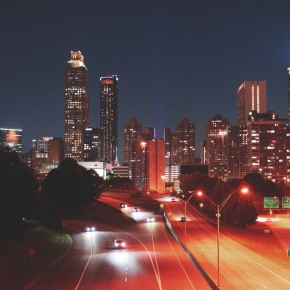
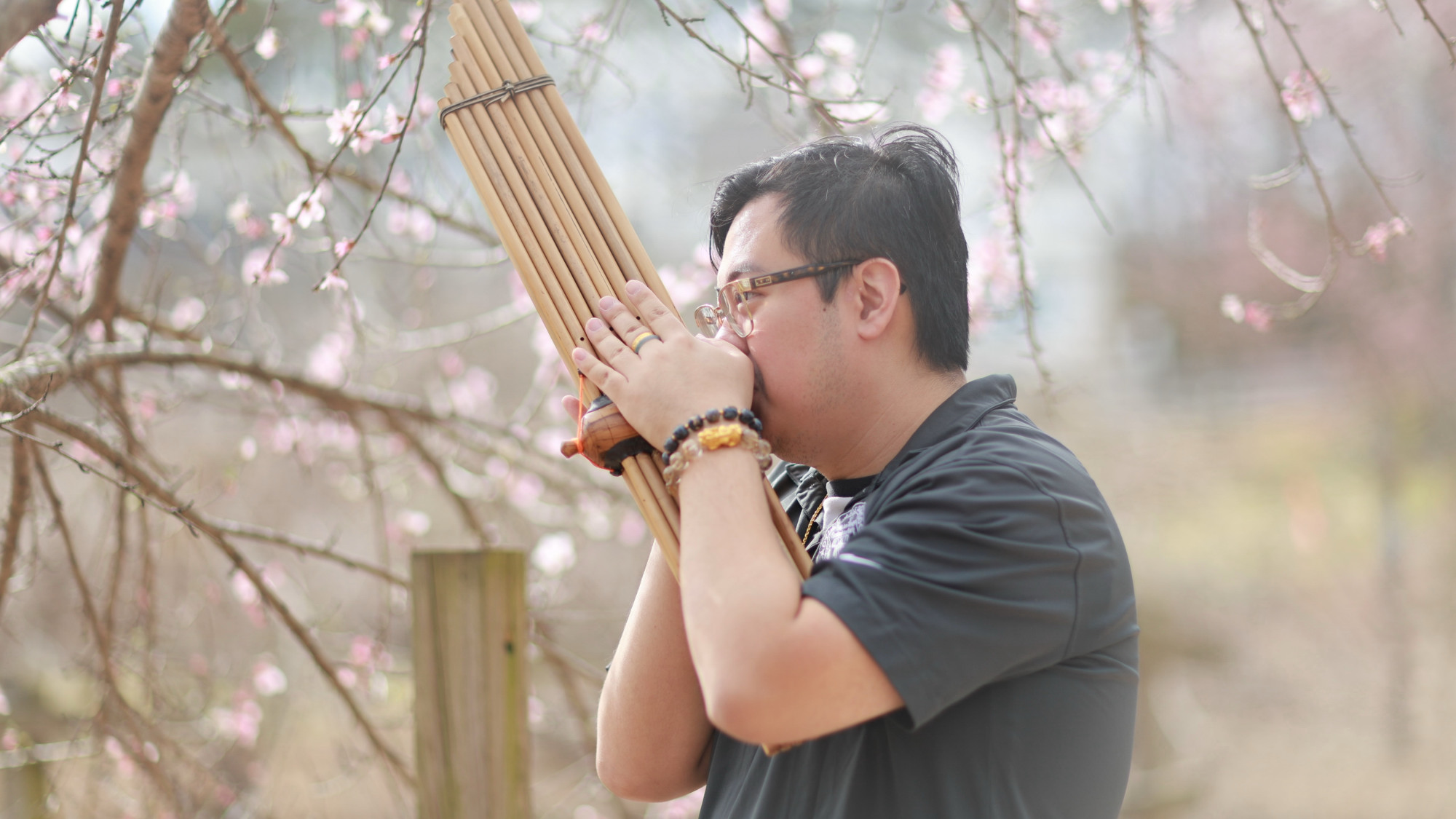
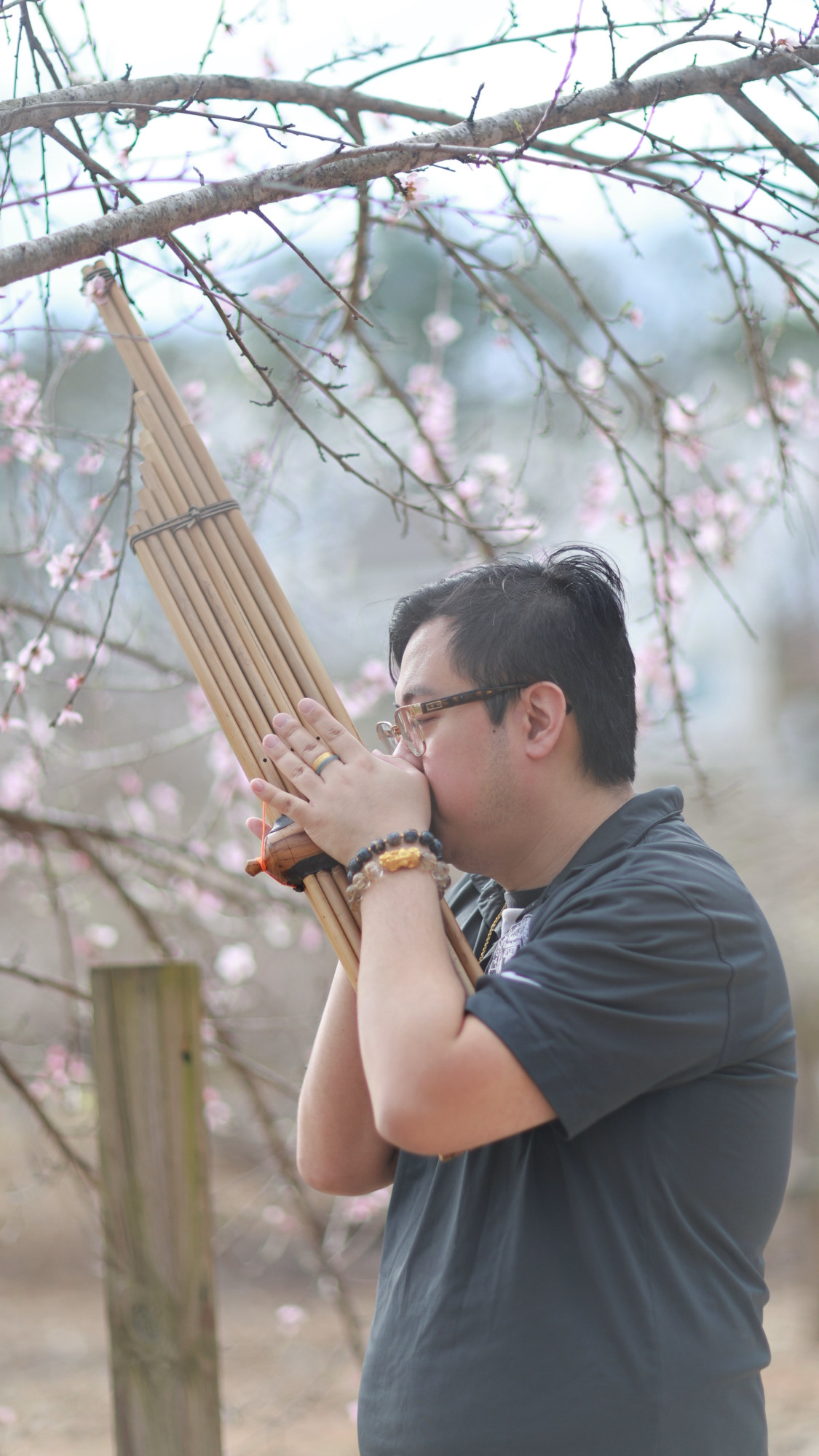
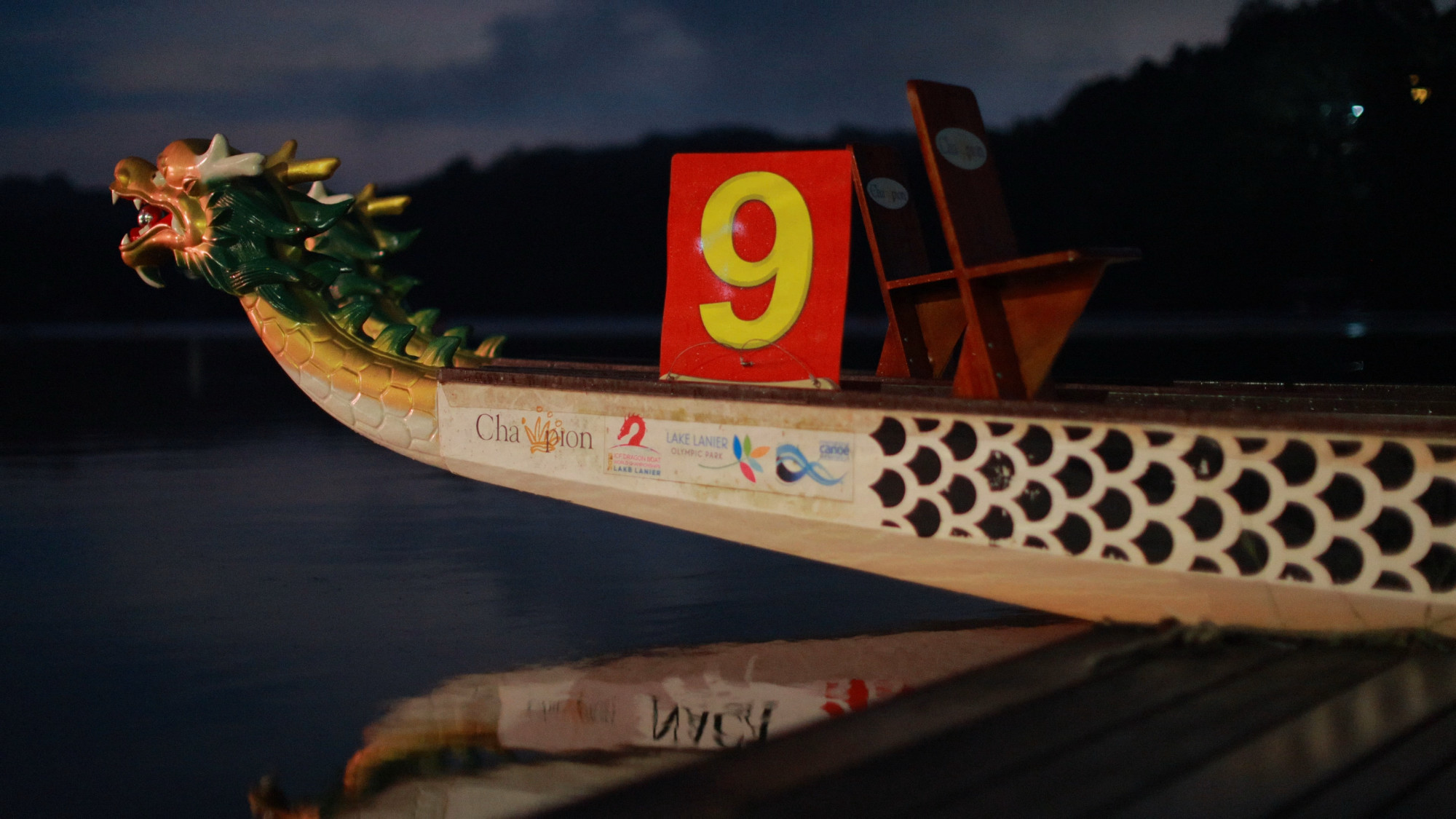
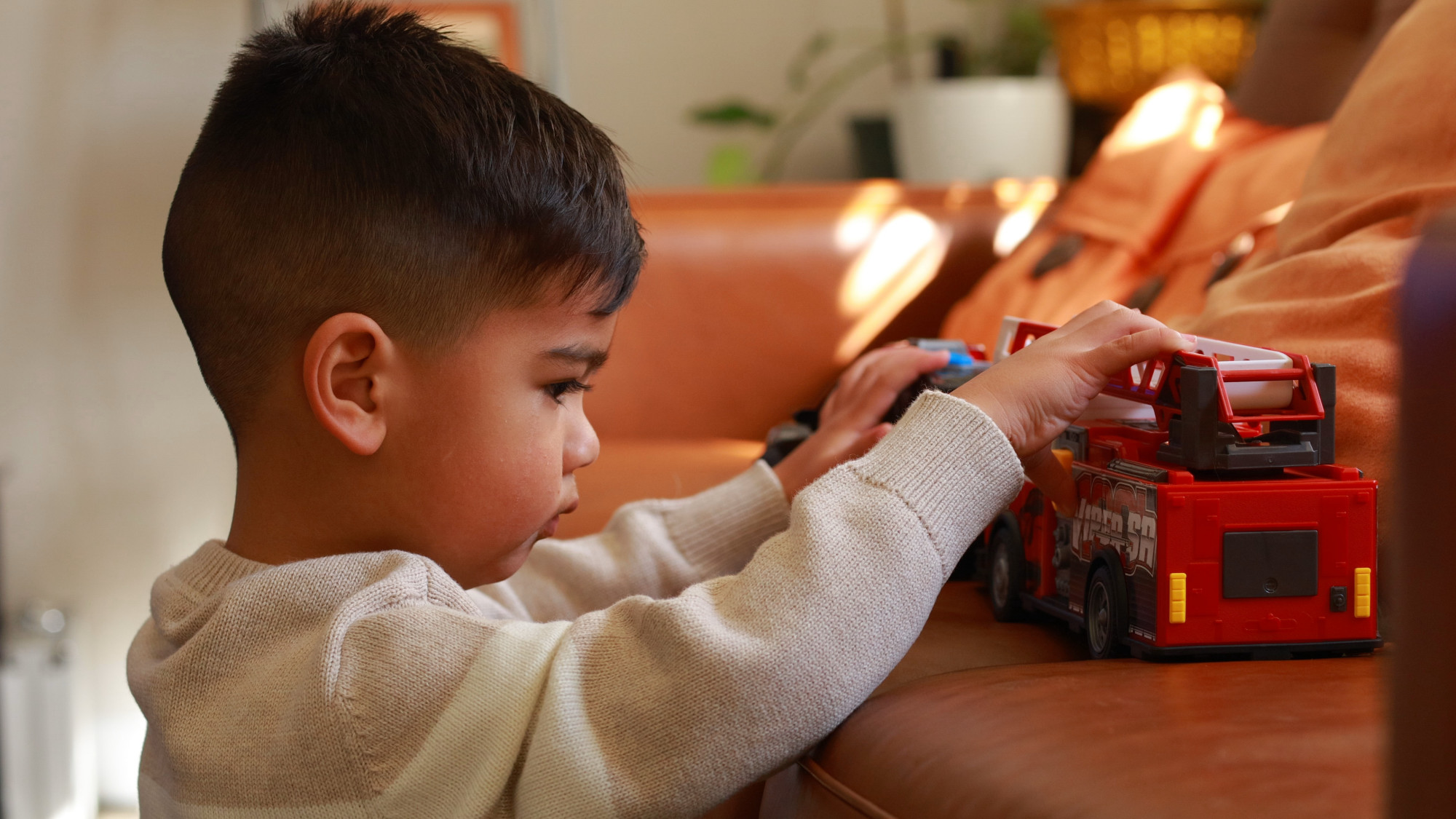
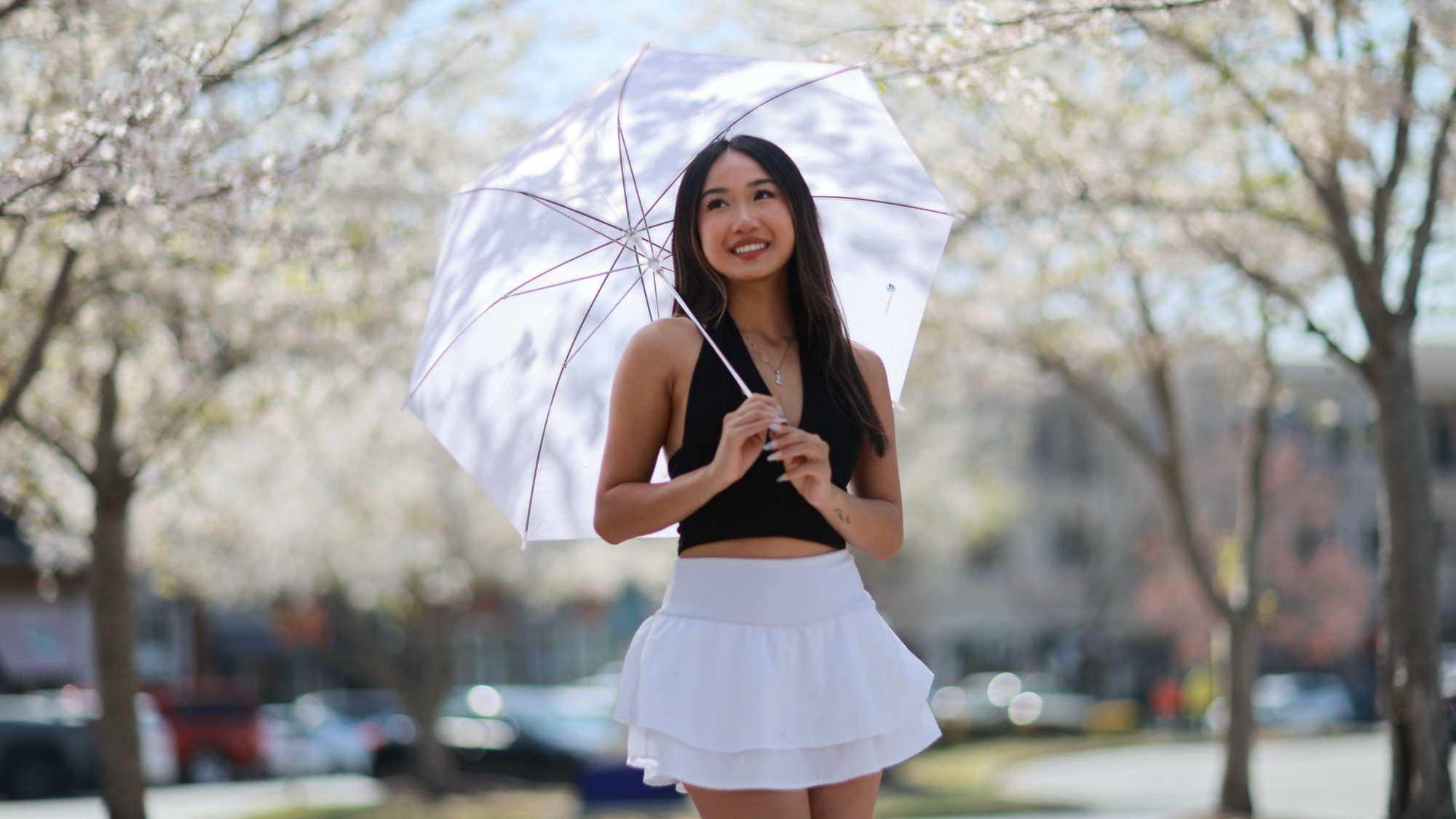
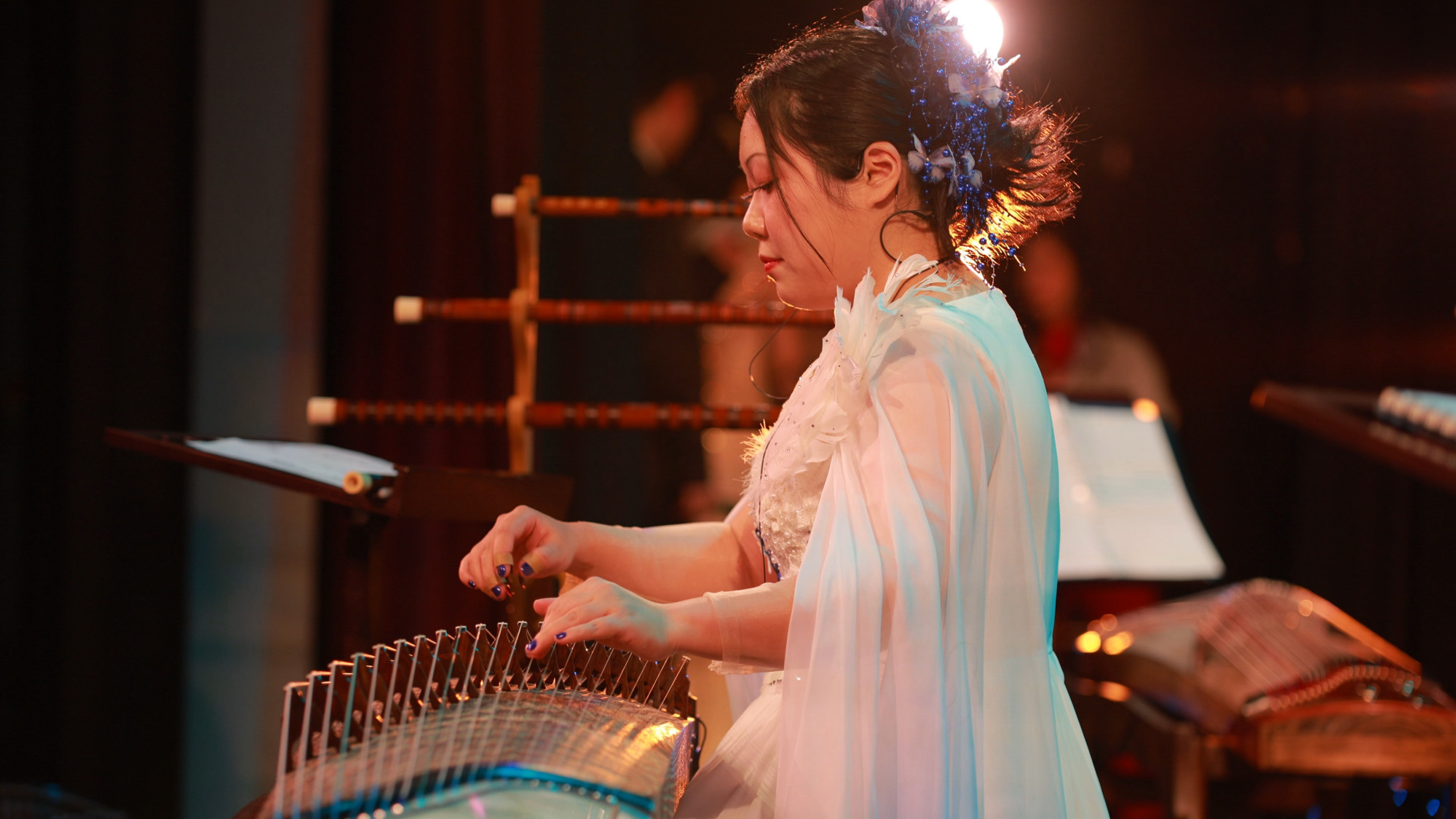
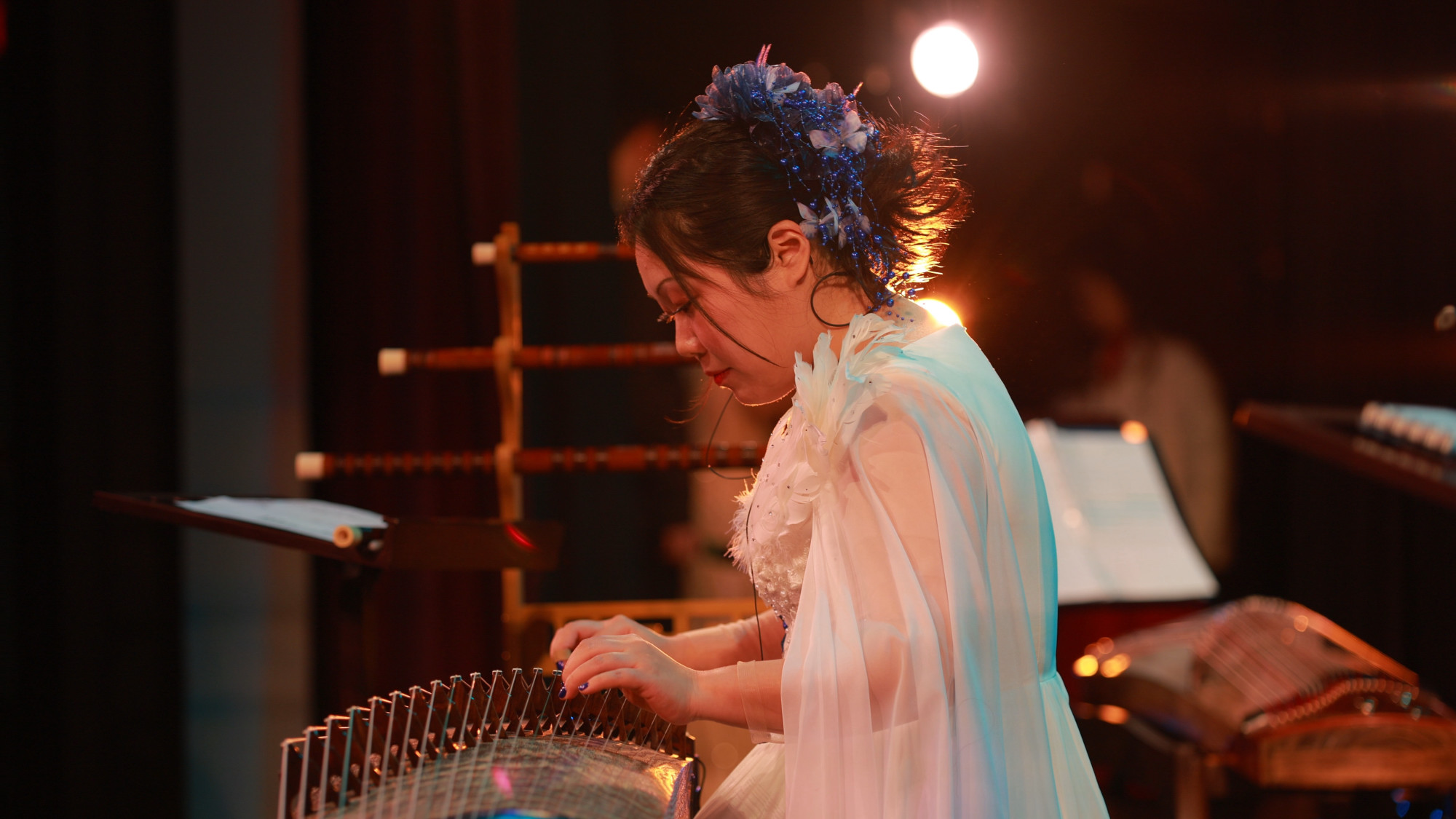
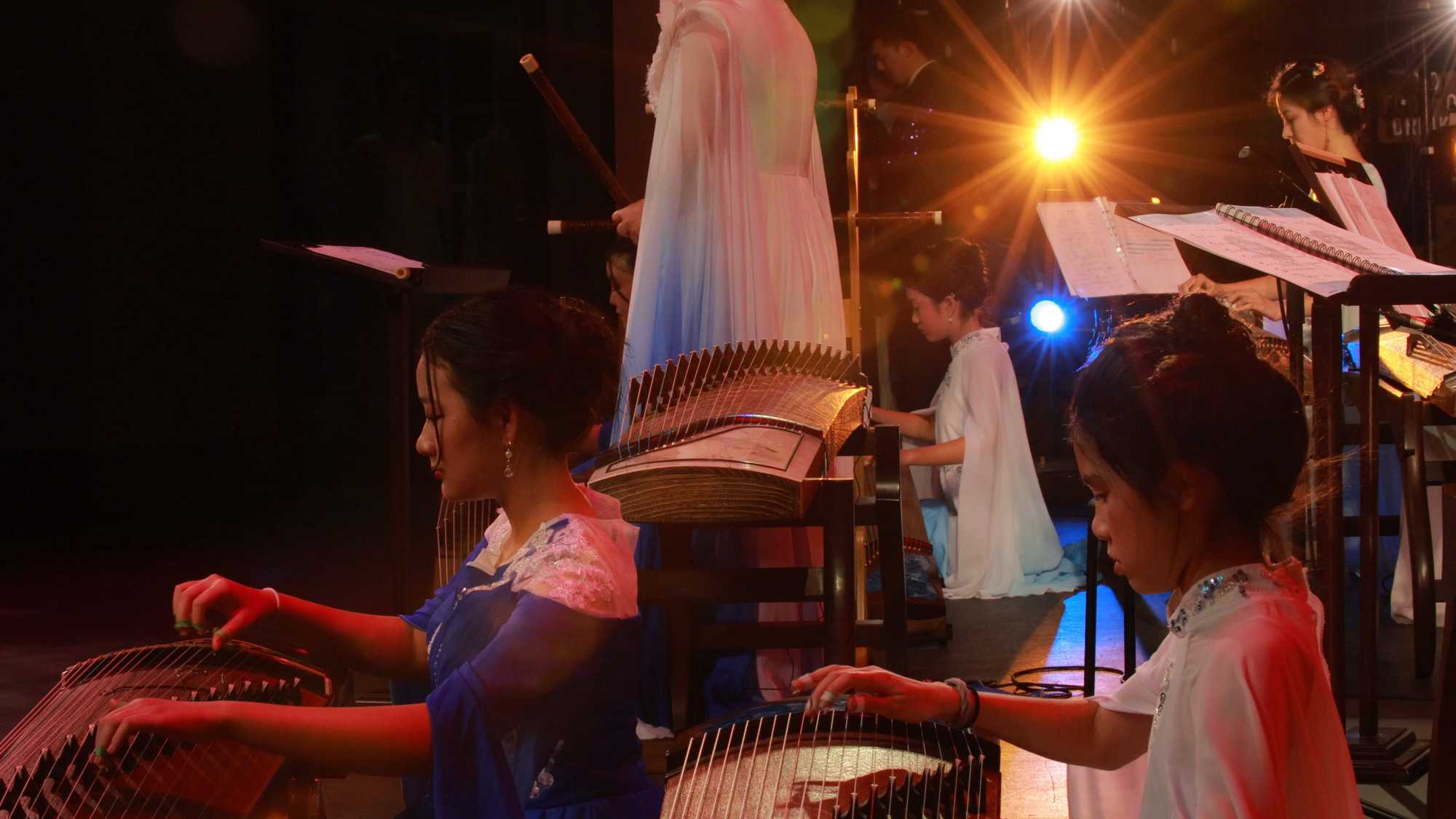
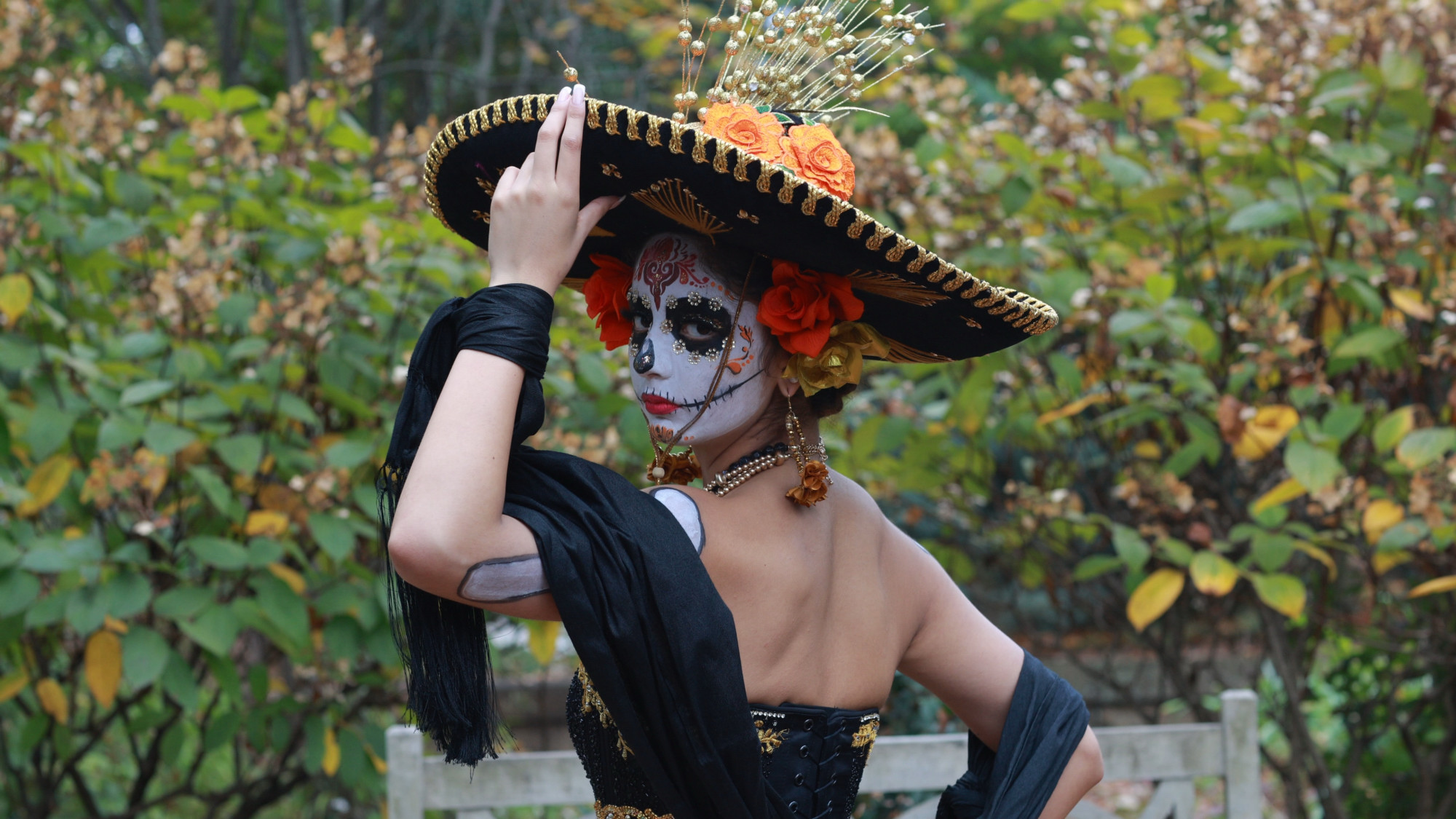
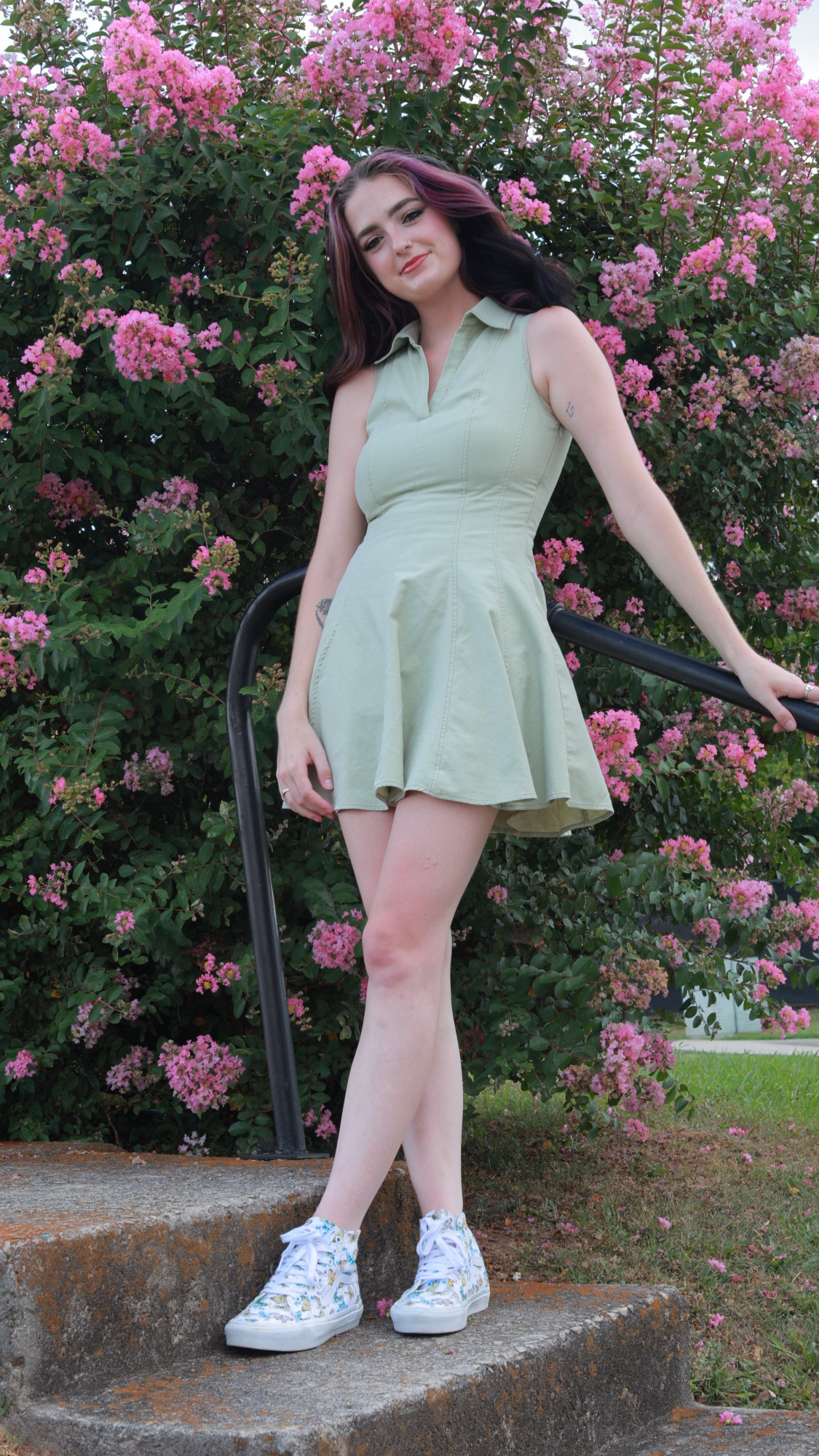
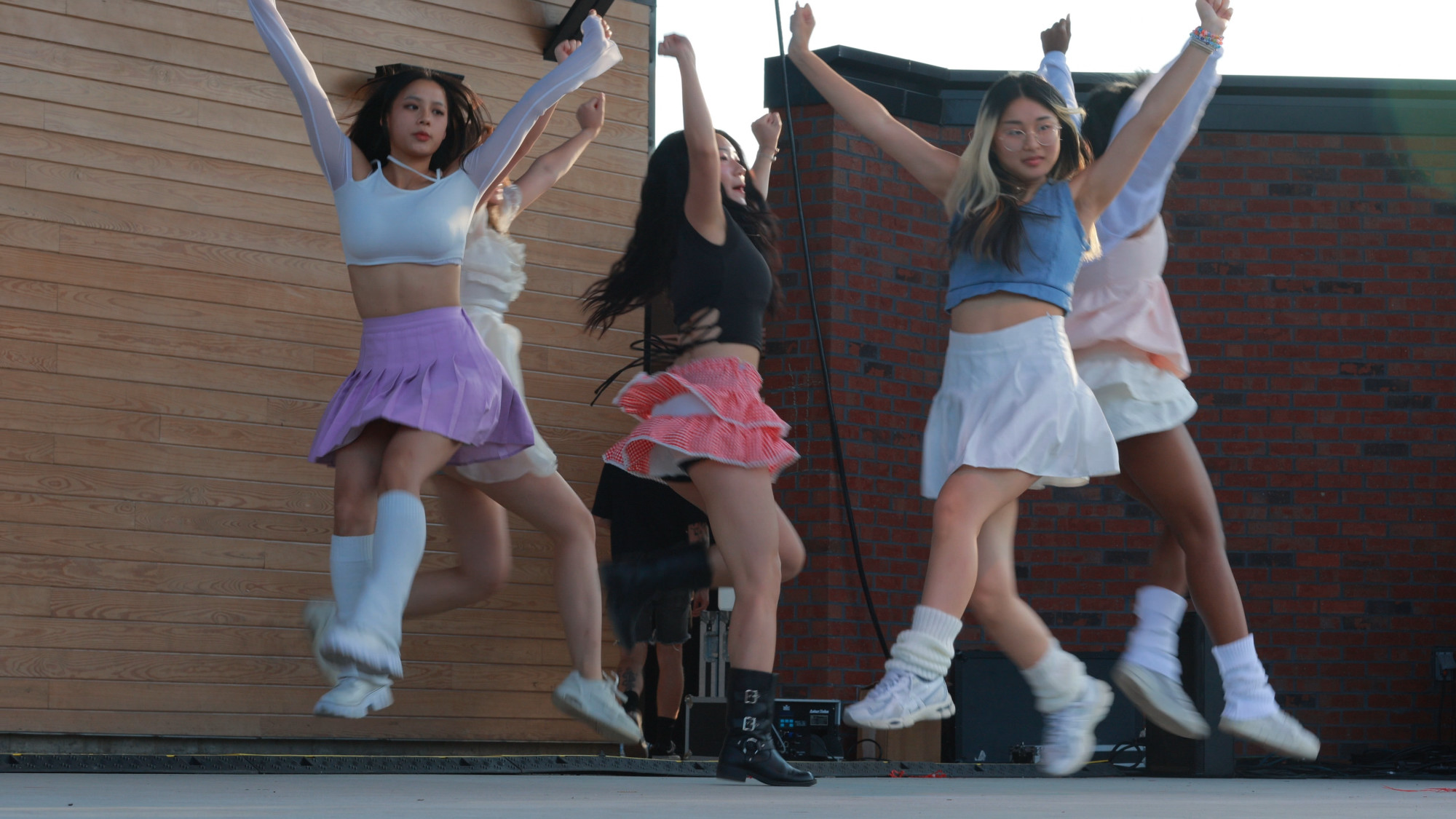
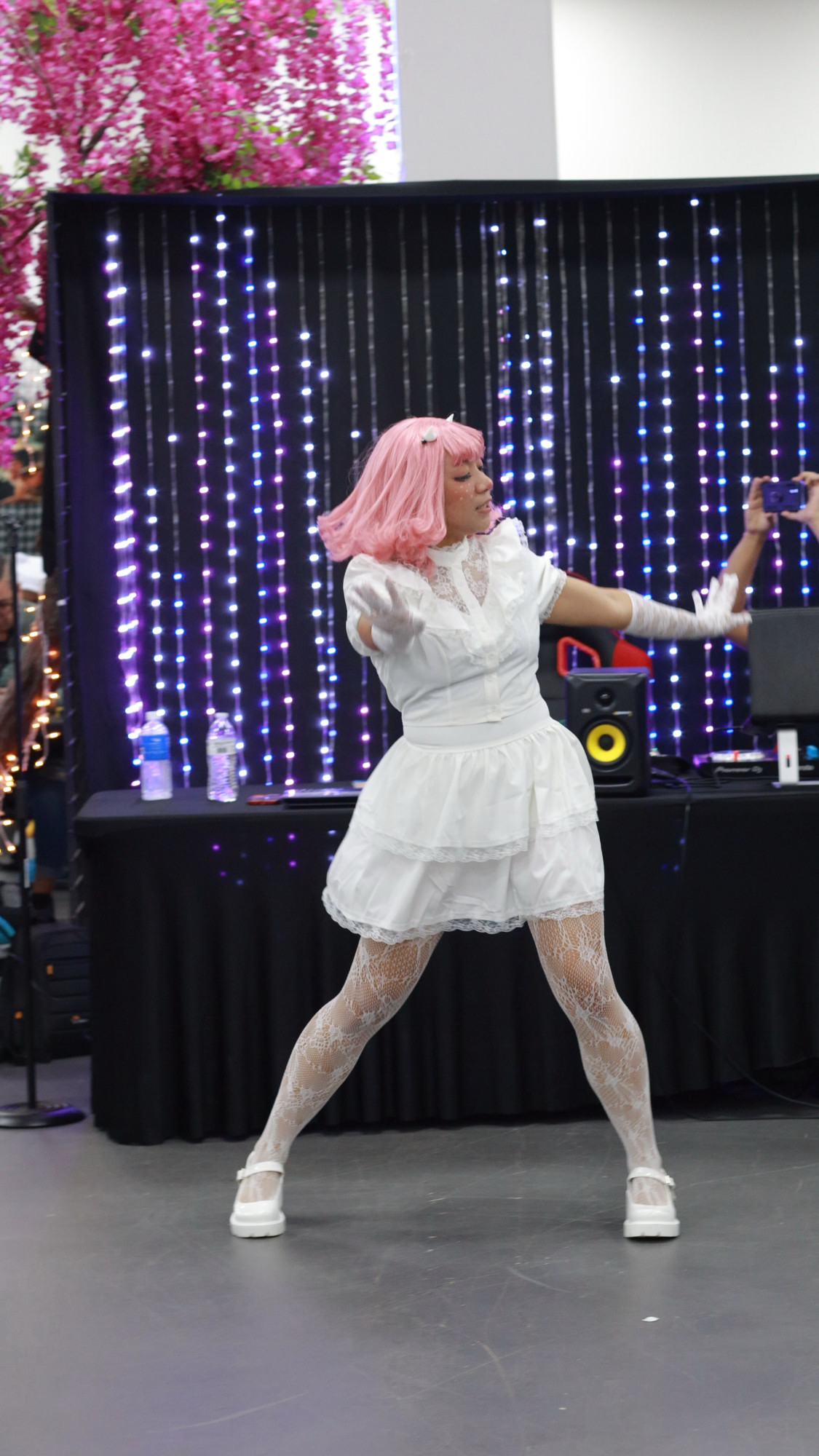
One of the neat features of the Canon R8 is that it shoots really nice 4K full sensor width video. As in no central crop like the previous RP that I still have. Canon’s desktop Digital Photo Professional software is what I’ve been using for many years to edit my photography raw files. It also has the ability to play Canon .mp4 video files inside of the application and allow you to export a framegrab from a video. This has always been possible since well forever by simply taking a screen cap of a playing video, but this method allows one to get a JPEG/TIFF from the 4K video stream, which in resolution terms is 8 megapixels 3840 x 2160 pixels in a 16:9 aspect ratio.
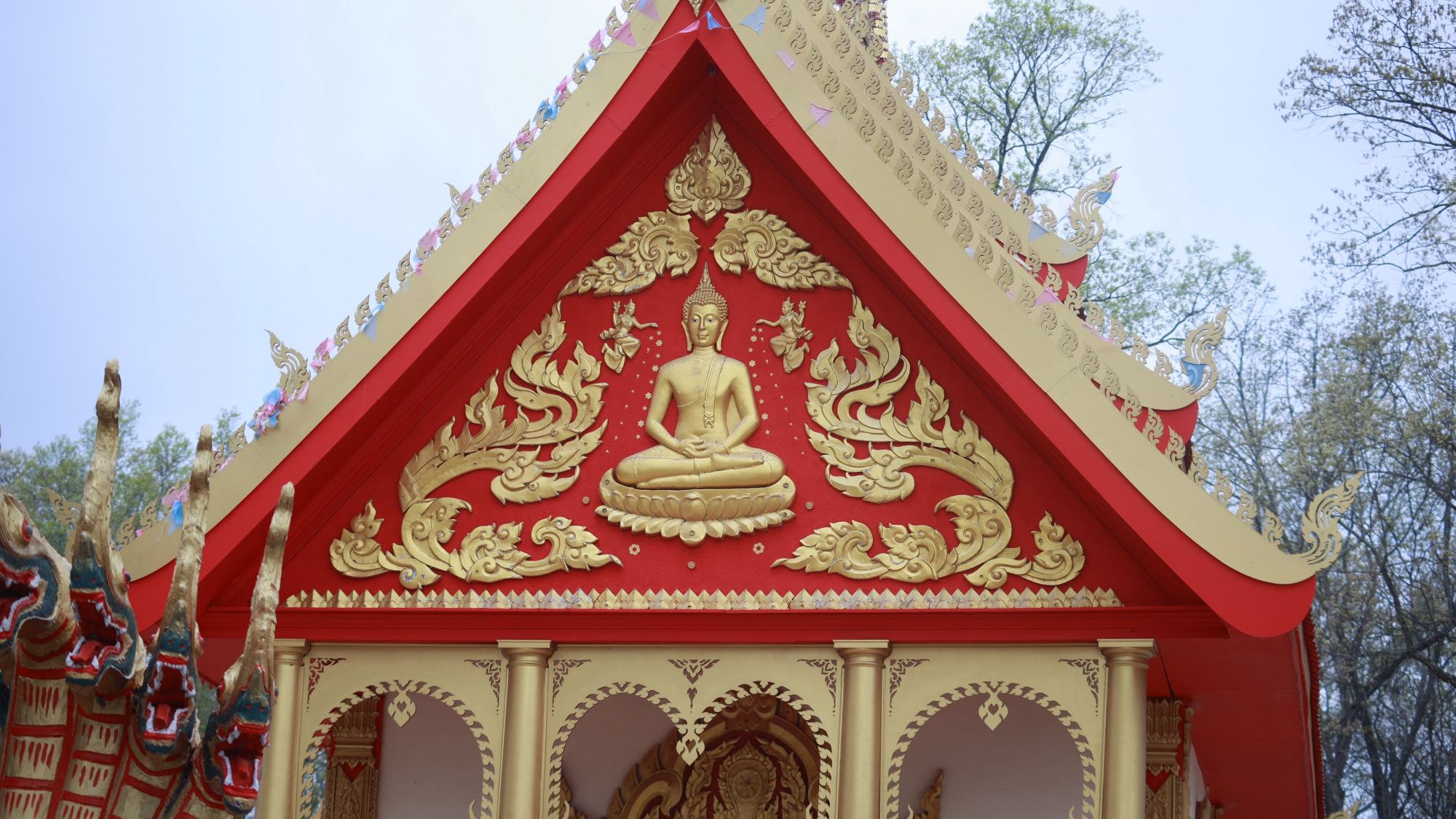
Canon R8 4K Framegrab

Canon R8 4K Framegrab
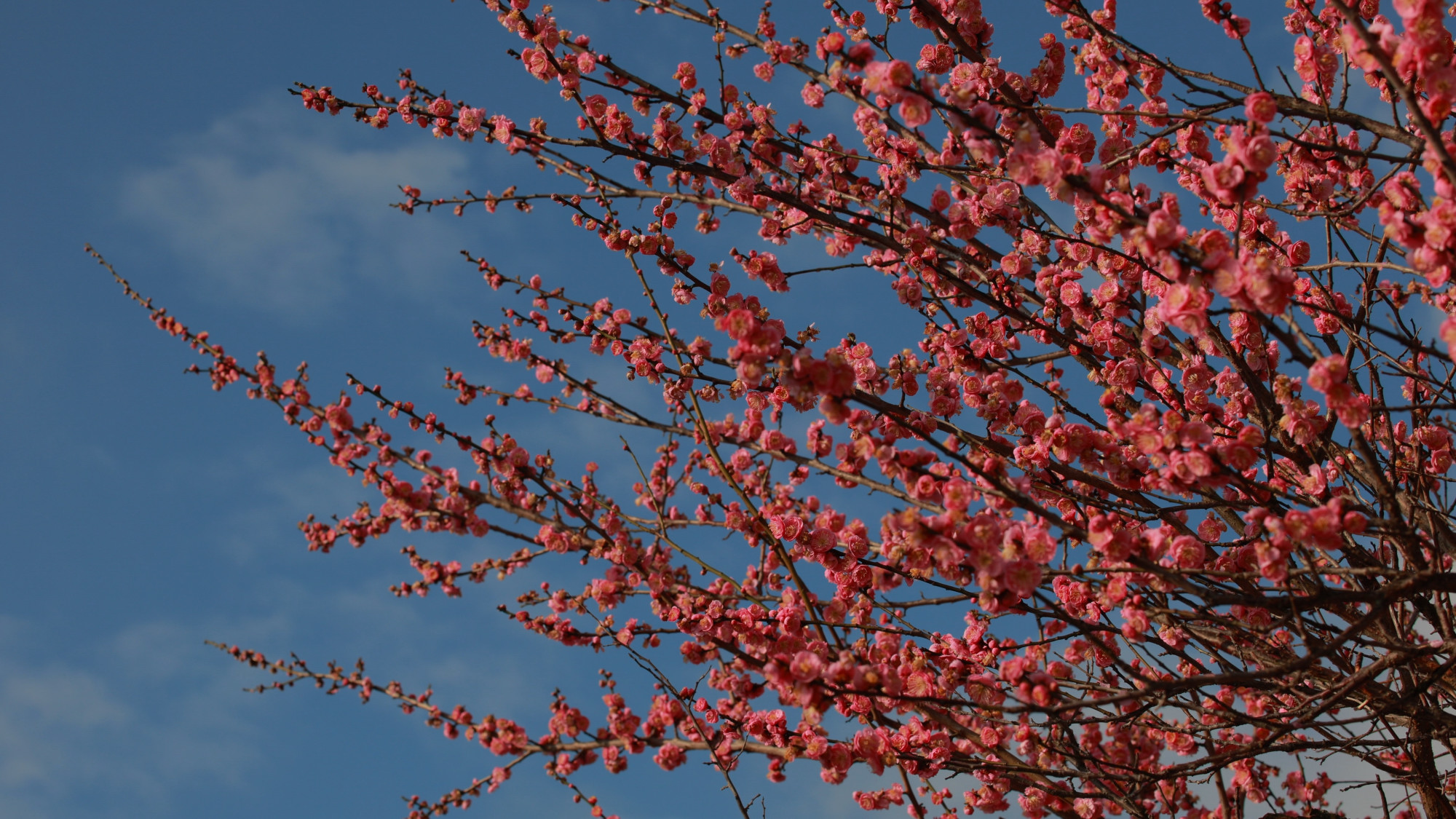
Canon R8 4K Framegrab
I’ve written in the past about using my BlackMagic Pocket Cinema Camera in the same way, but that had a bit different workflow and look to the files due the sensor size and technology of the time.
The Canon Framegrabs here are unedited and using the standard picture profile. So it’s pretty much normal and is intended to be a neutral starting point for further editing. But like many Canon files they look good out of the box.
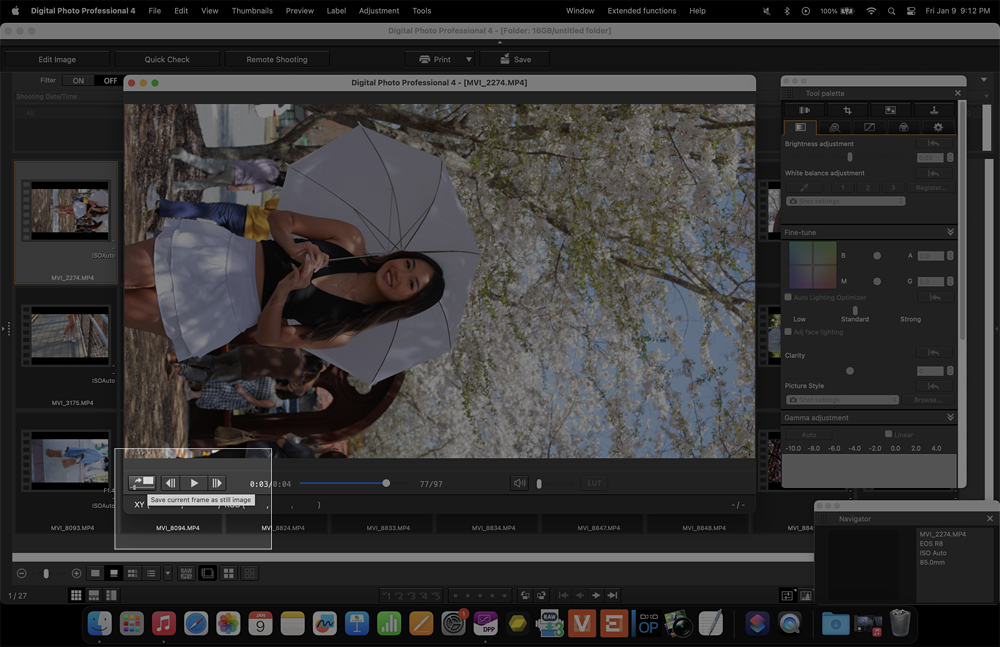
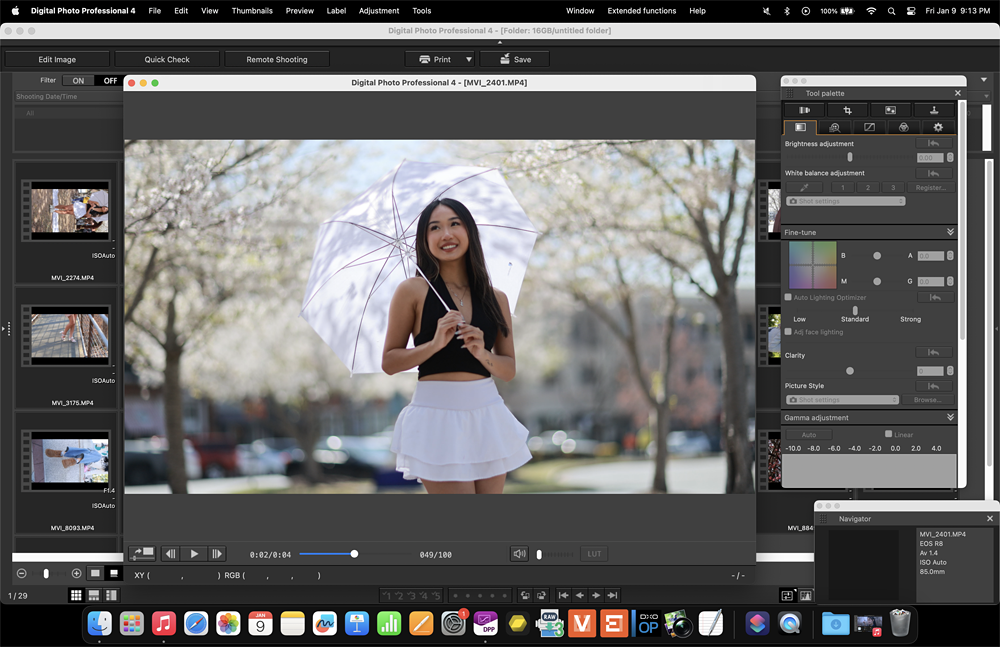
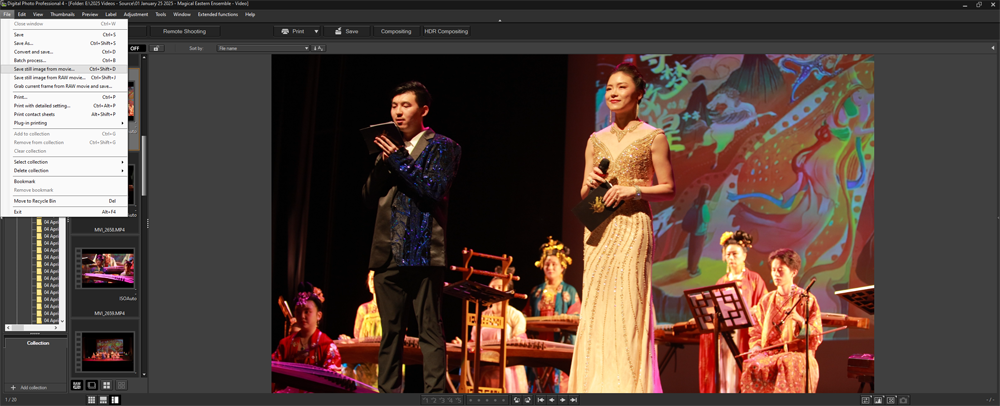
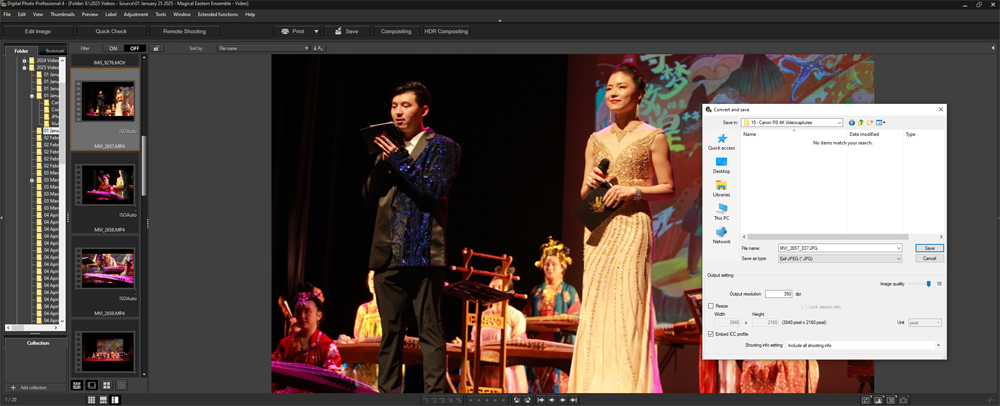
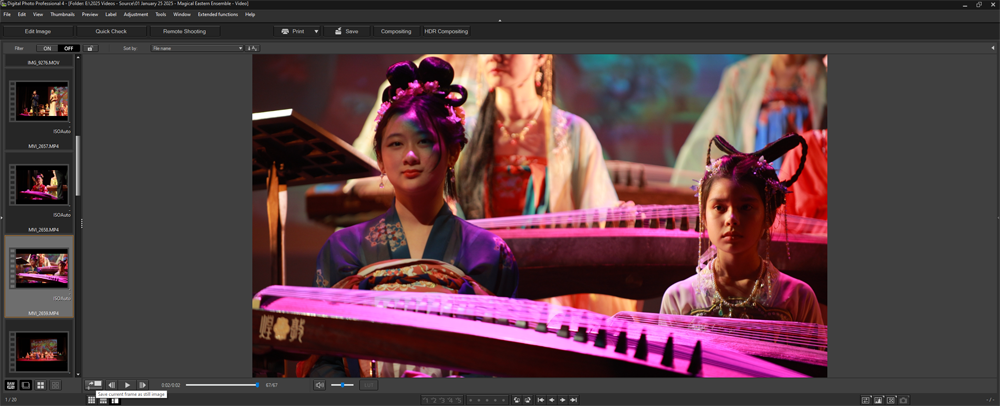
I prefer using my editing programs in the Windows environment. Mac OS is nice and all, but just not set up for slogging through thousands of junk files. Final work looks slick on an Apple device, but lots of folks will tell you the Windows workflow is far less headaches with a lot more speed if you are used to it.
So here are a bunch of examples of Framegrabs from the few times last year I felt like shooting video. (These are downsampled 2000 pixels wide 80% JPEG quality images, as I don’t have the space/bandwidth to be hosting all the 4K files for AI bots to harvest)
Canon R8 4K Video Framegrab Samples

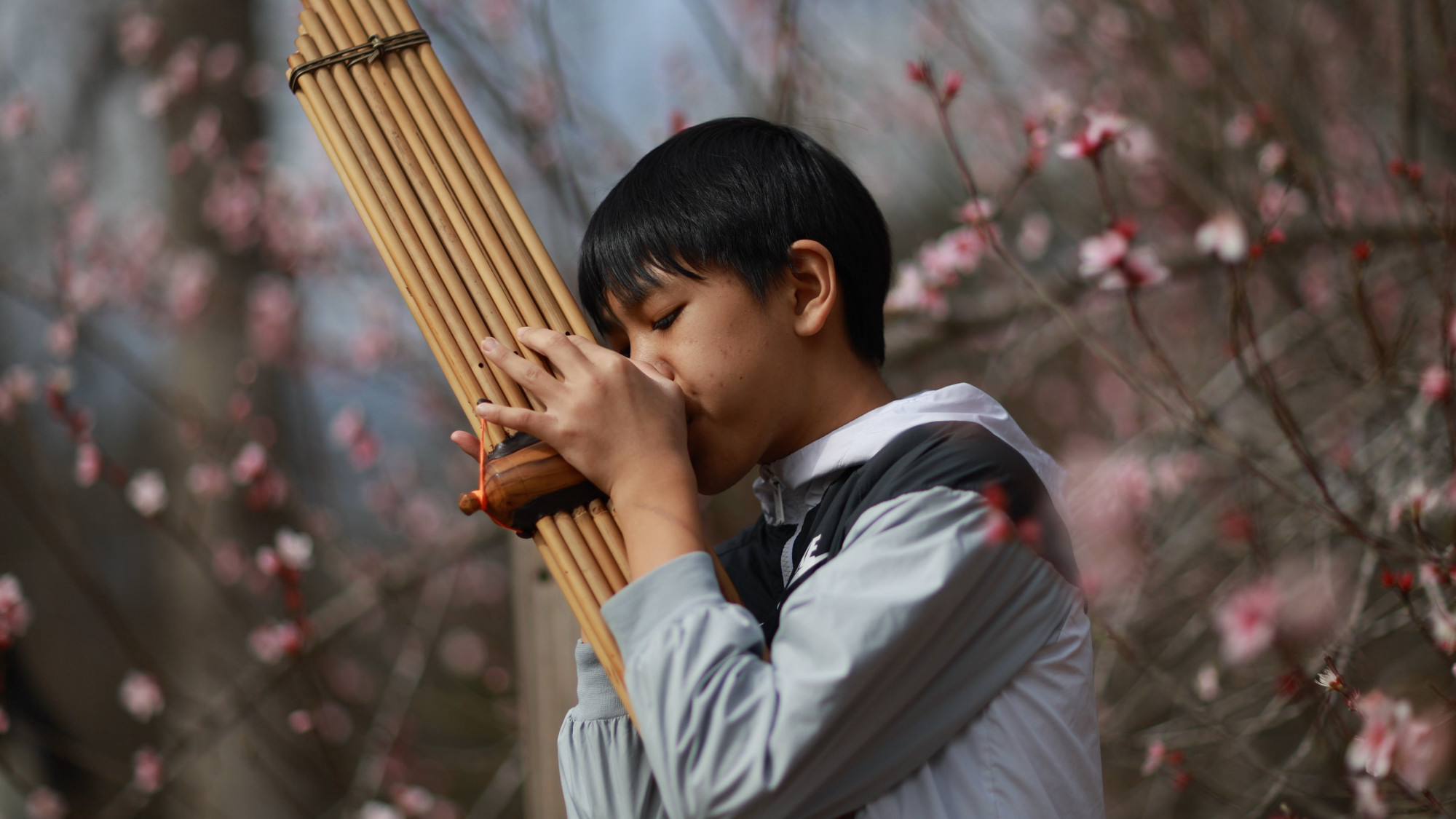
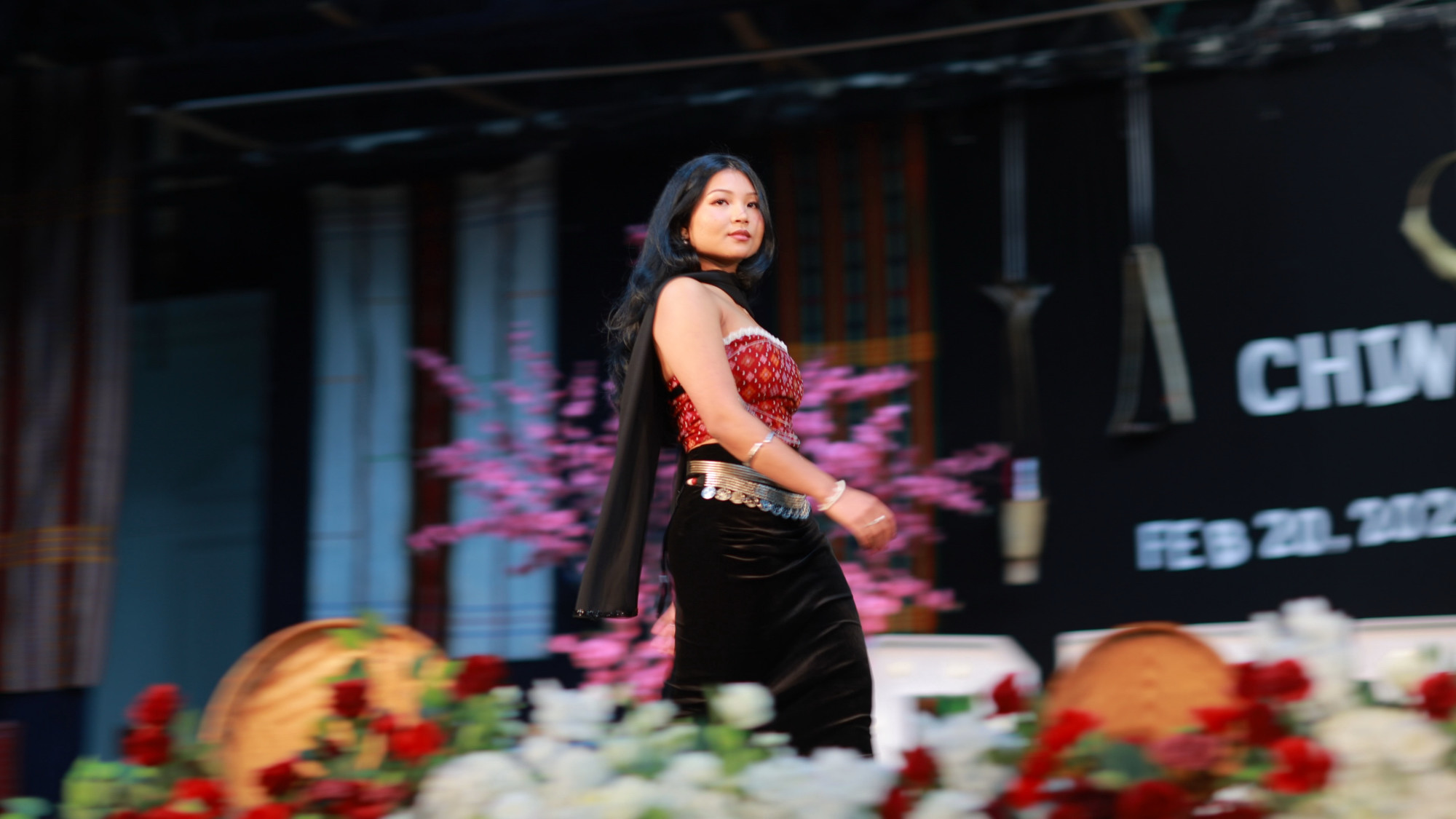
Saving a still frame from a video stream can come in handy in different situations. Upon inspection up close I would have no problem using them as prints. If you can live with the motion blur that will come with some scenes. The cadence needed for video to blend in the mind in a cinematic way unfortunately doesn’t gel well with the high shutter speeds we normally associate with still photos. However, there are great photographers out there shooting at durations well below the 180 degree angle (1/48 sec) shutter speed.
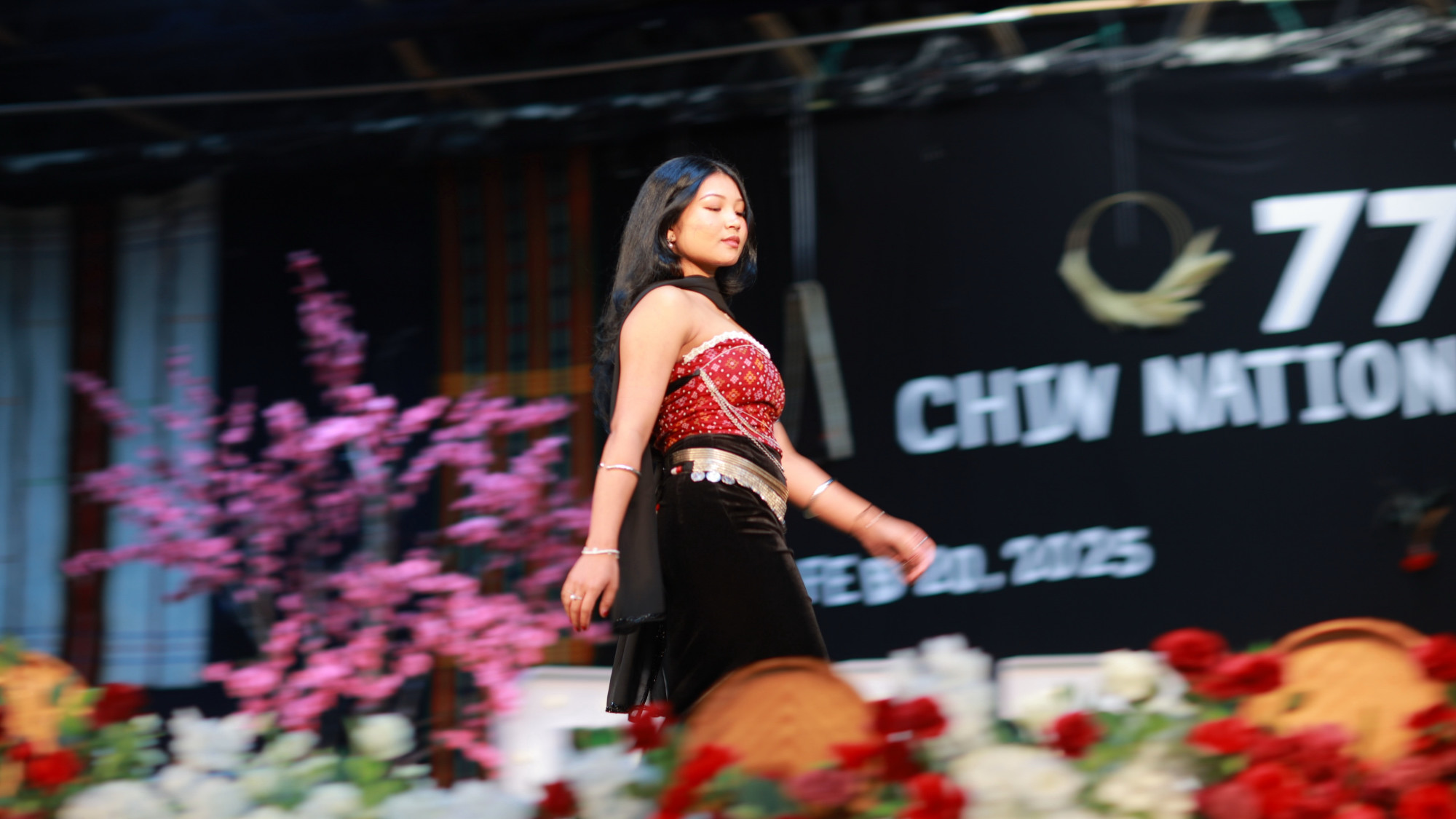


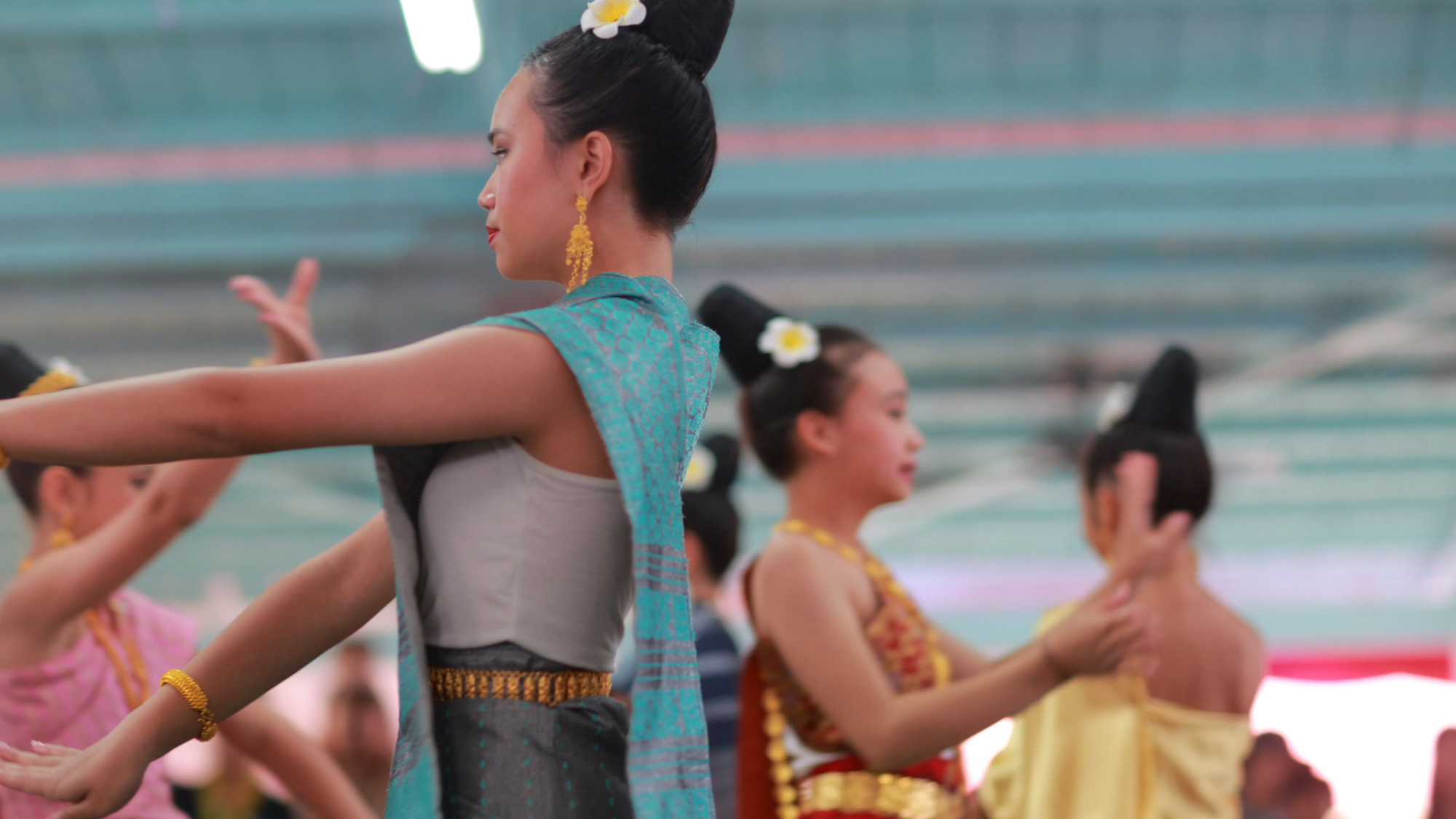

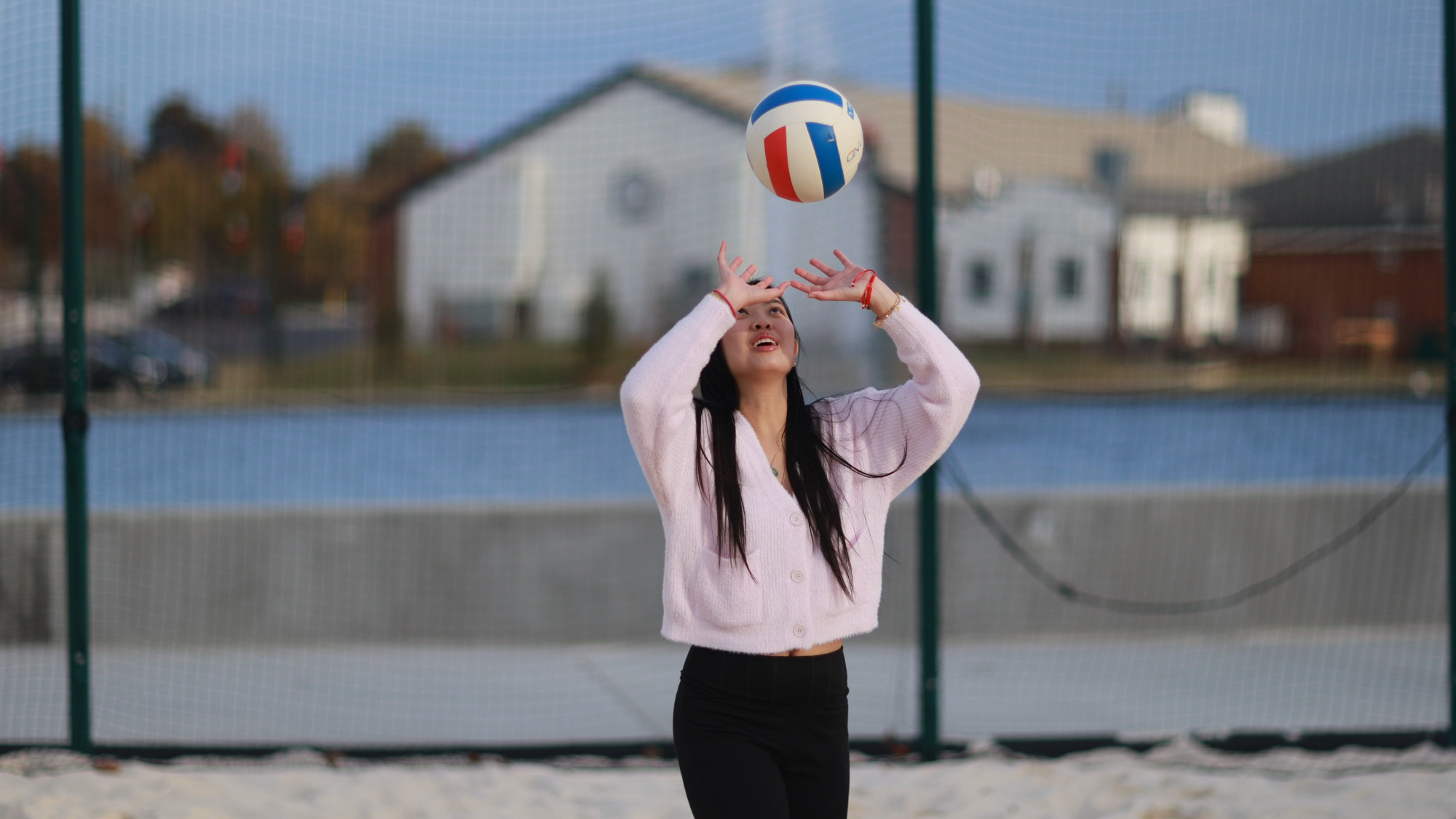
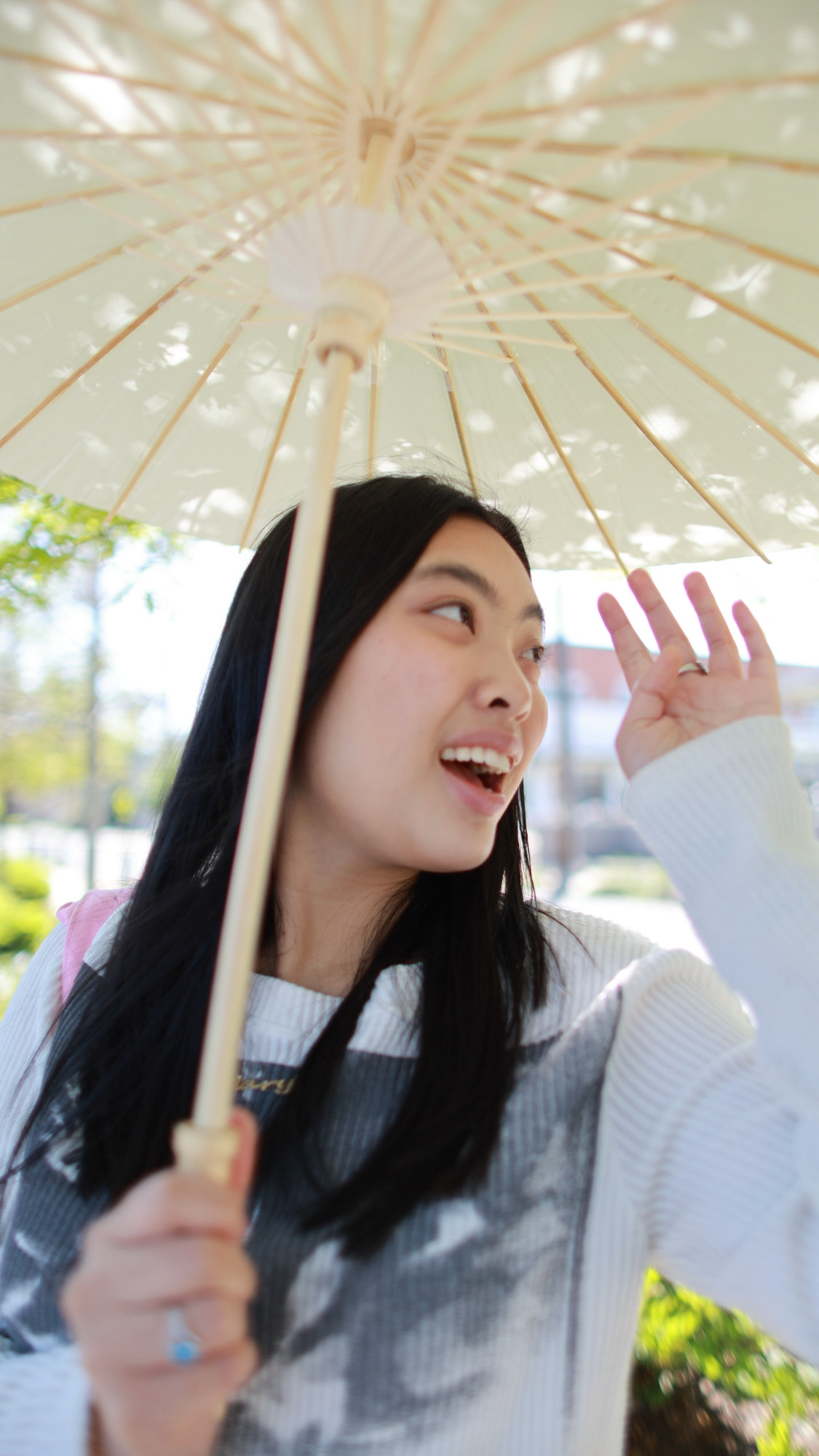
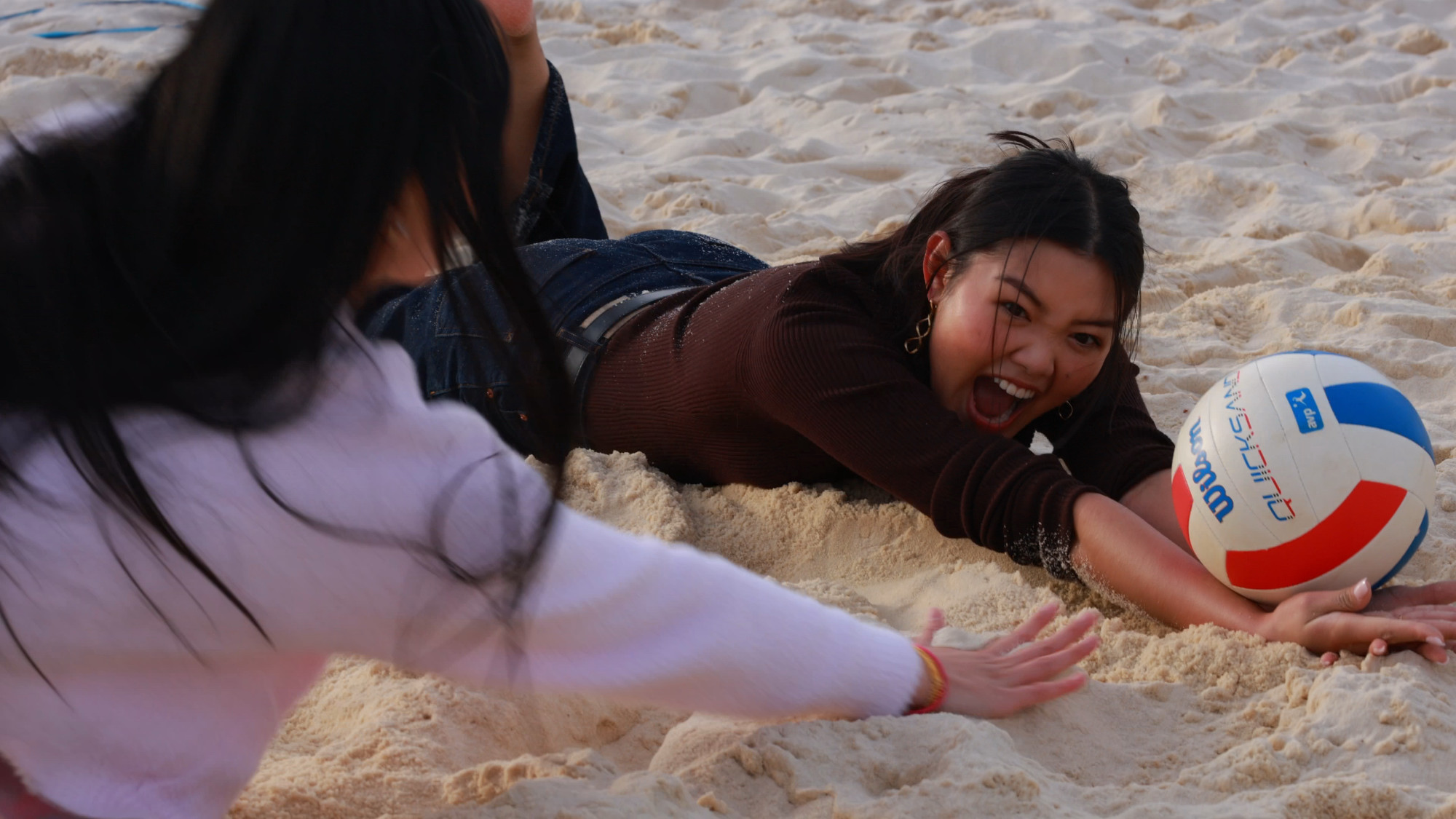

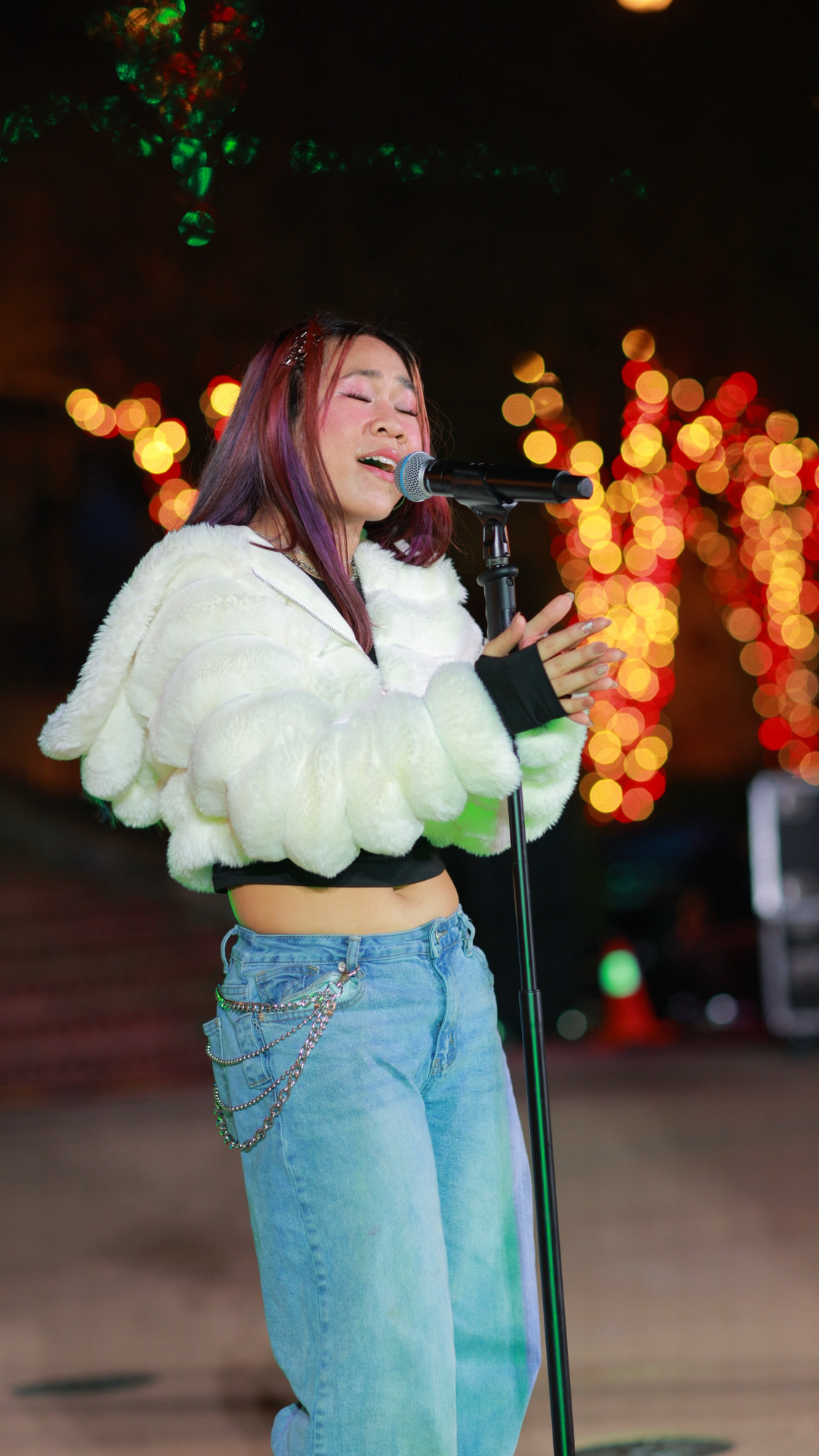
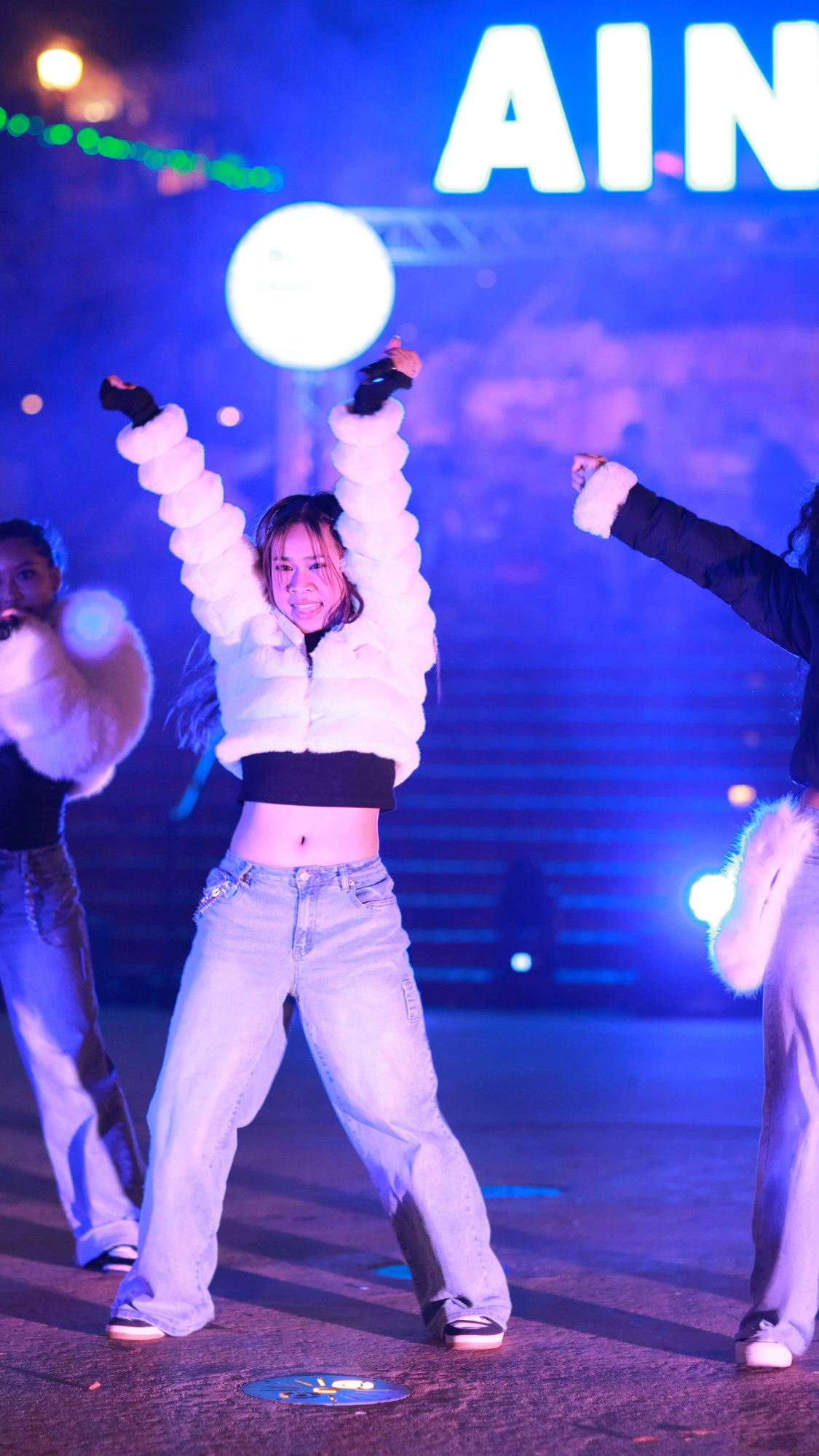
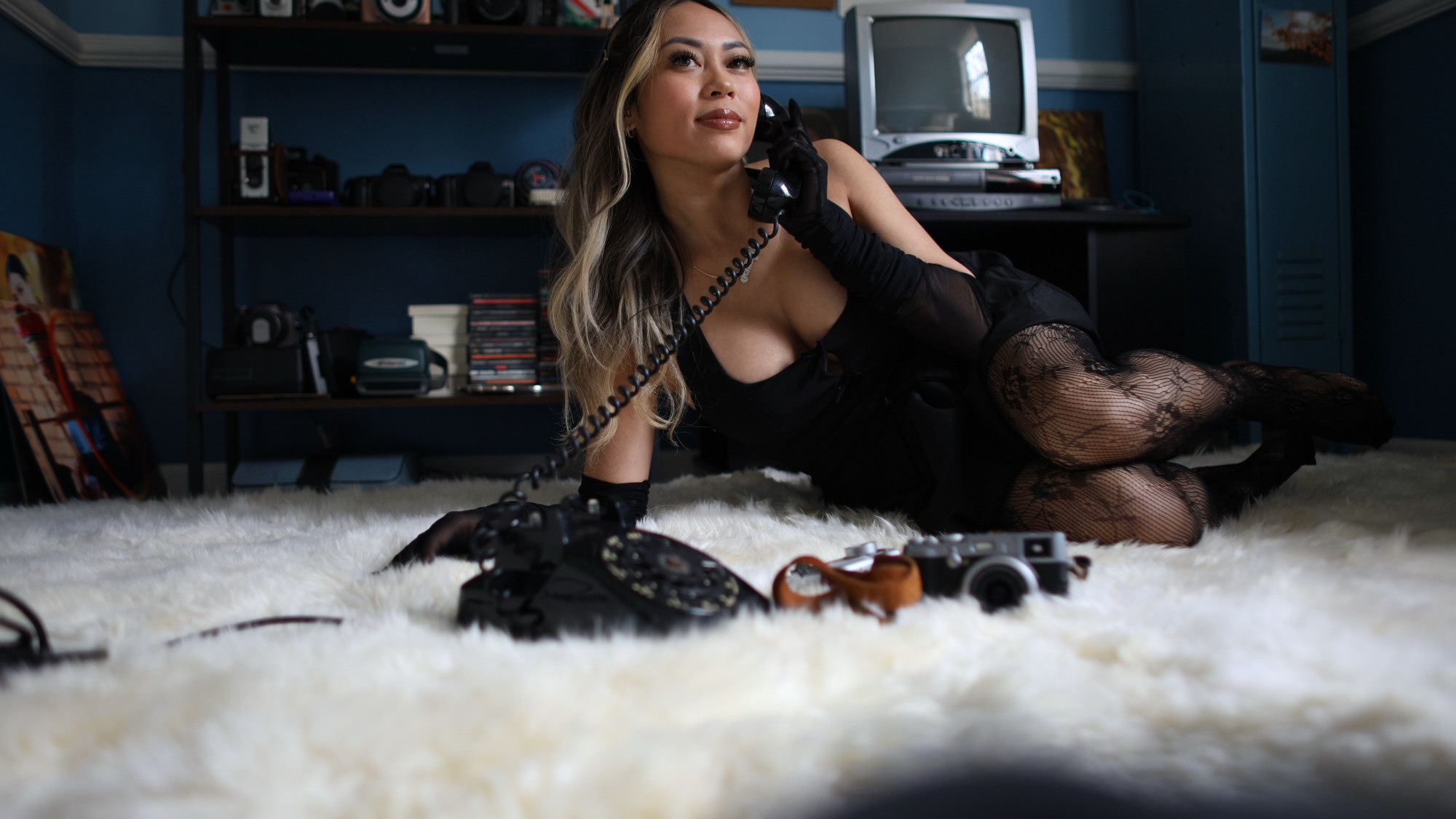
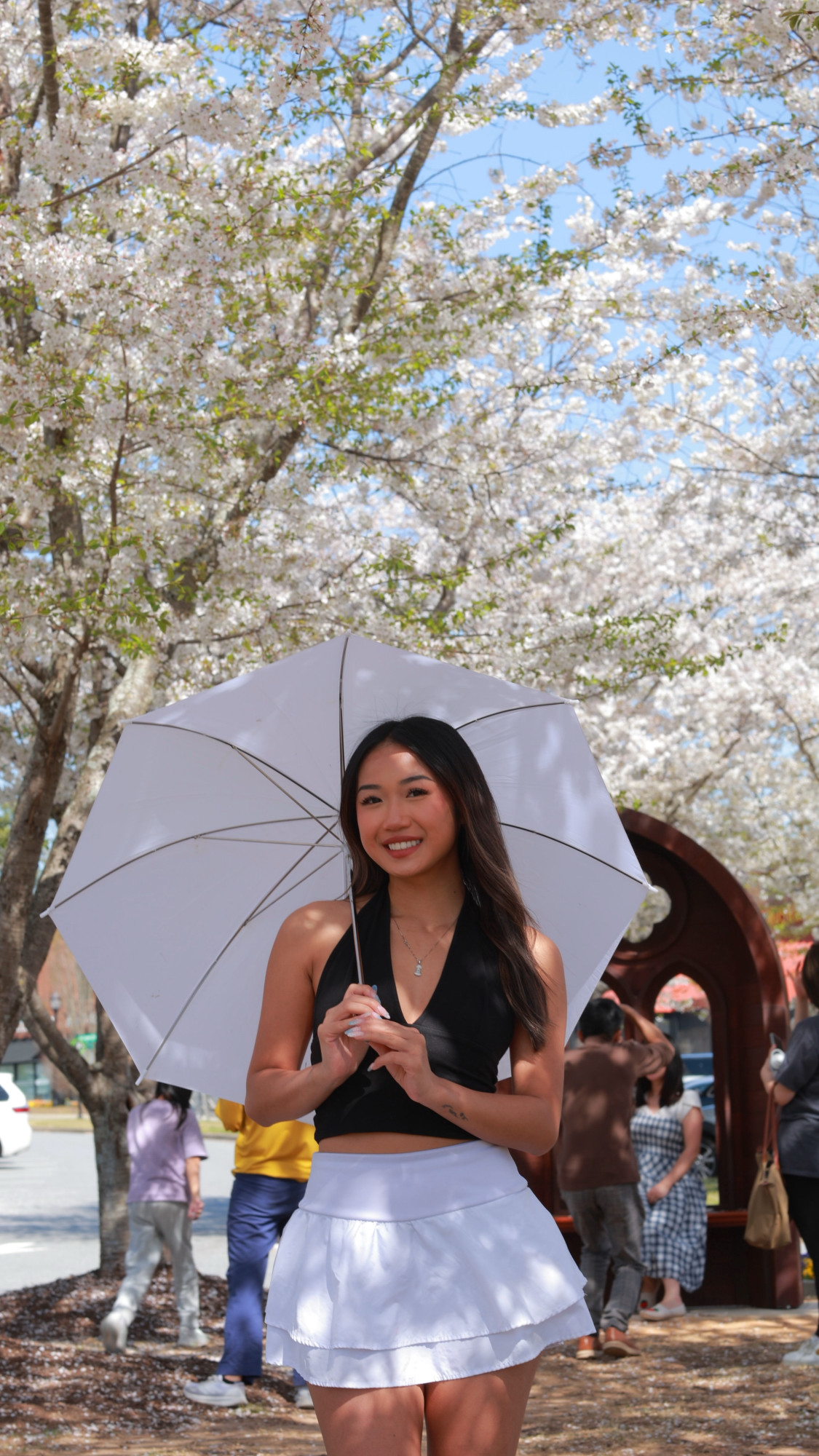
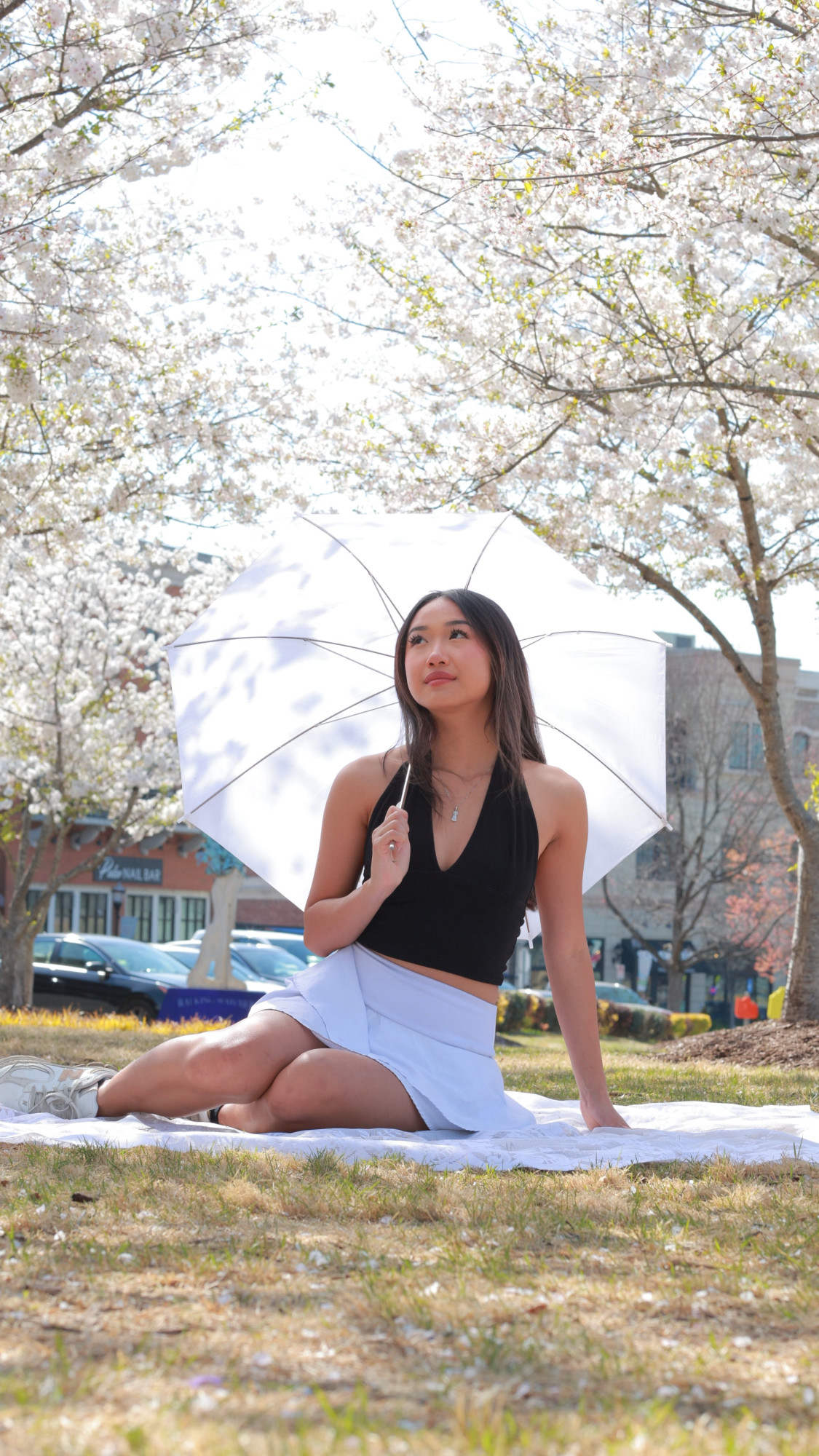




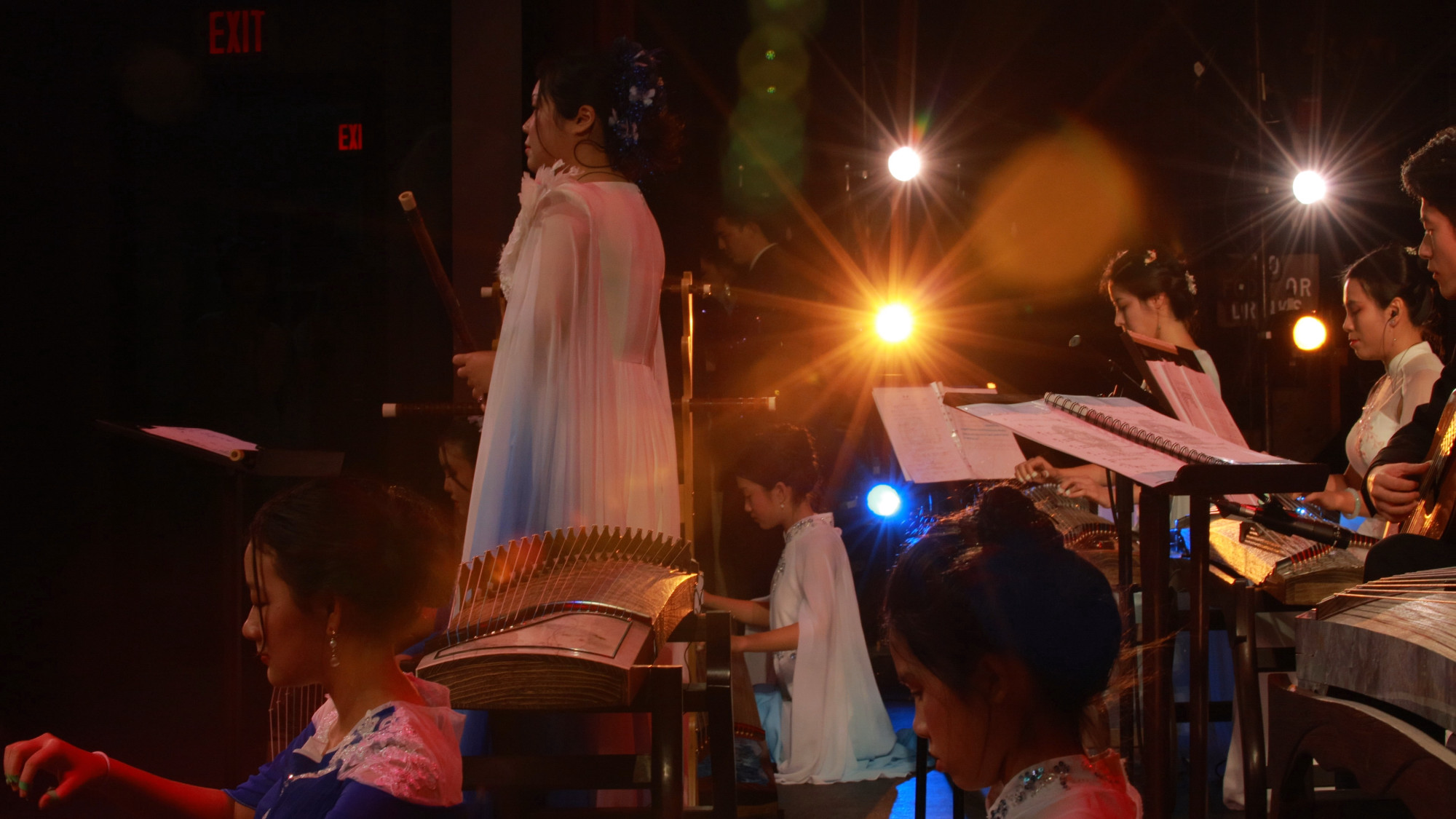
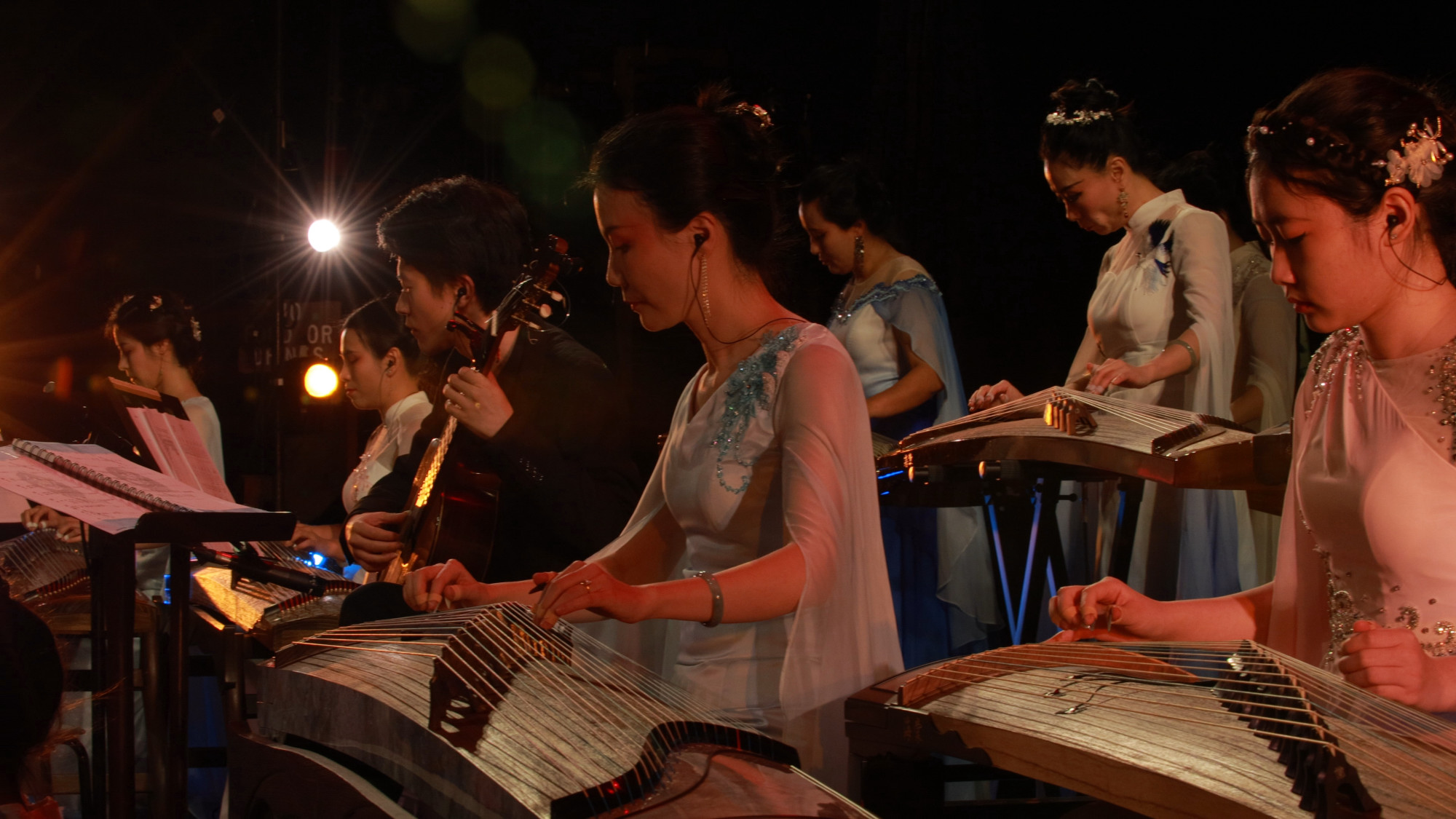
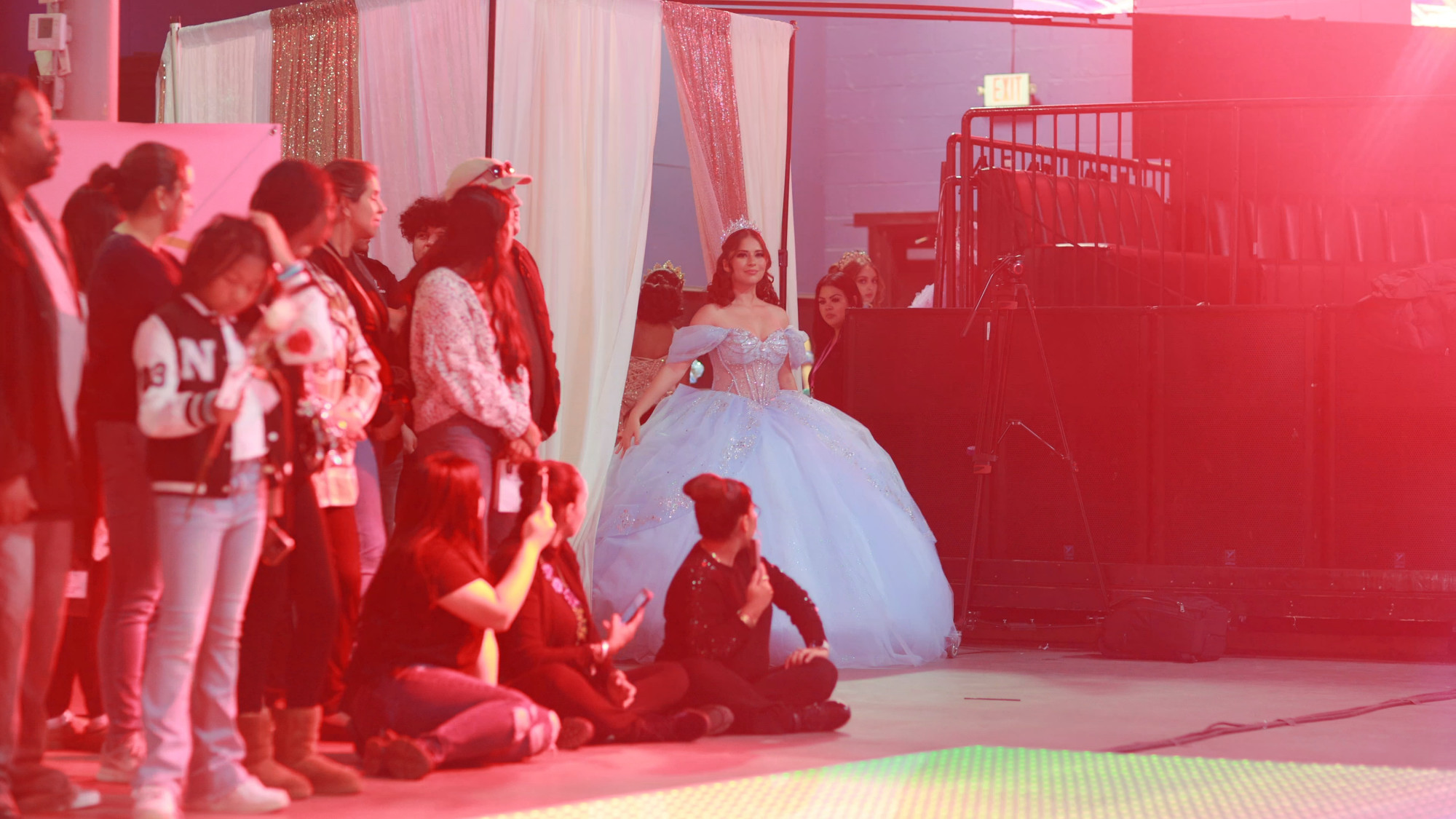





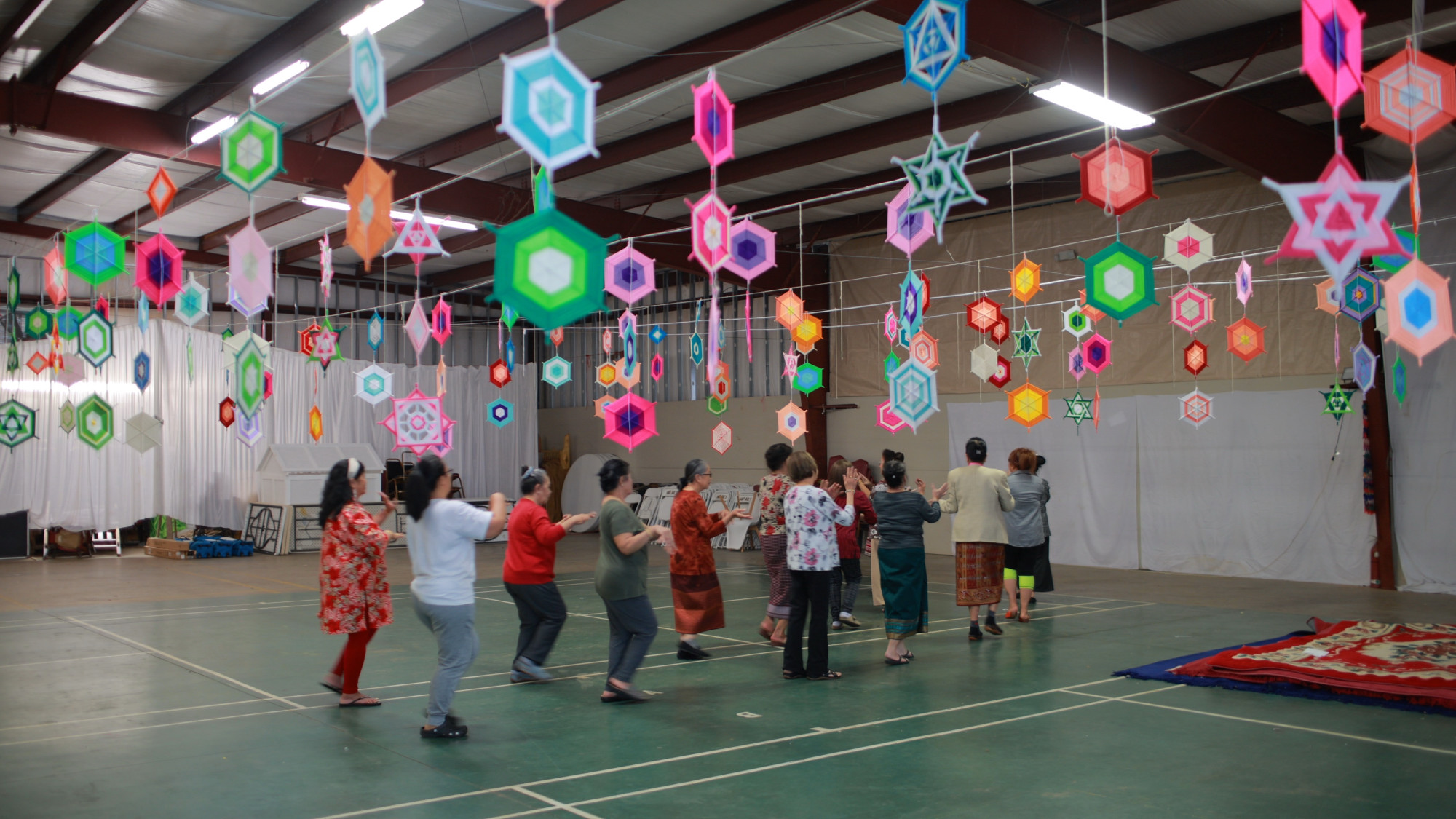
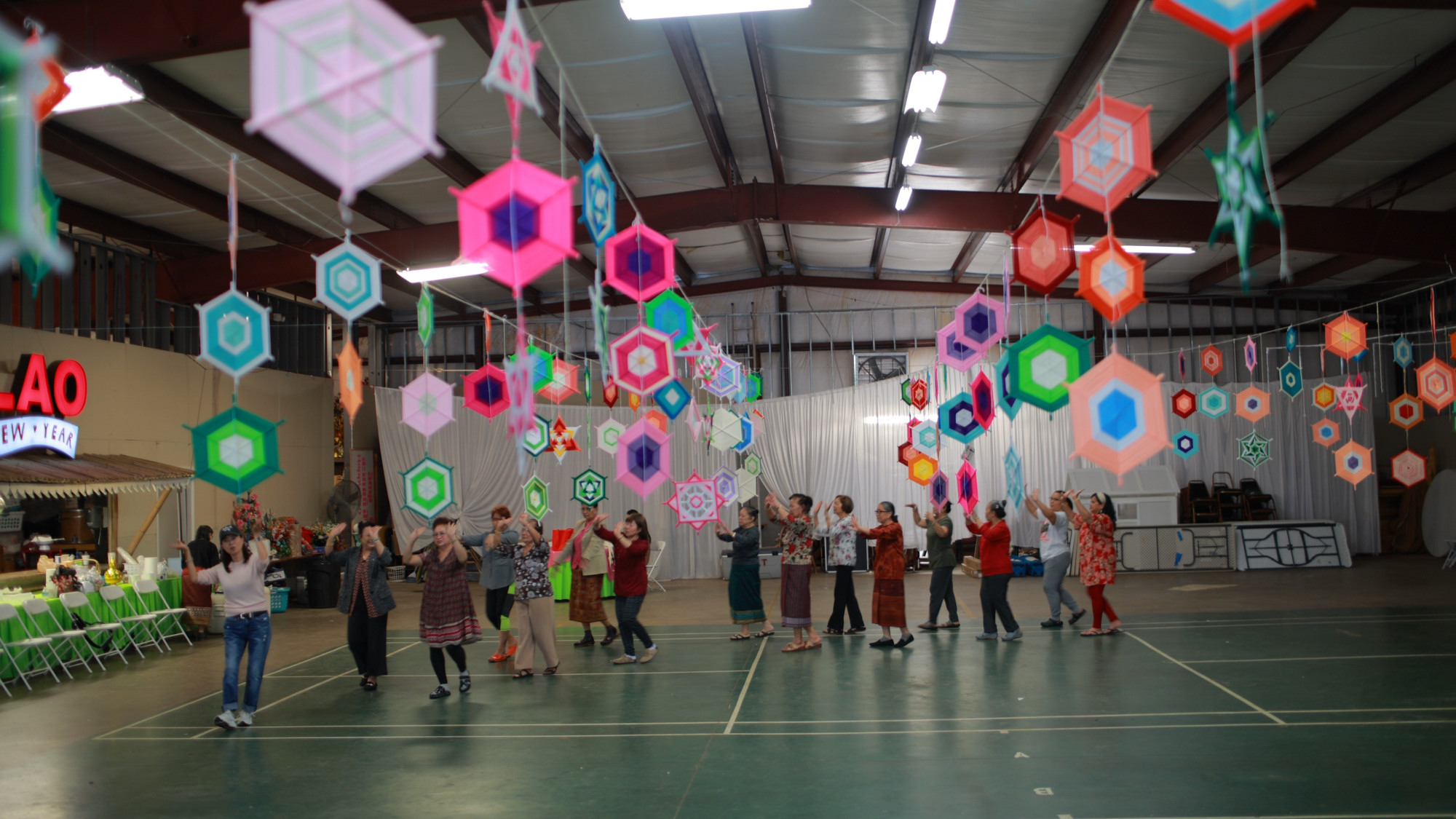

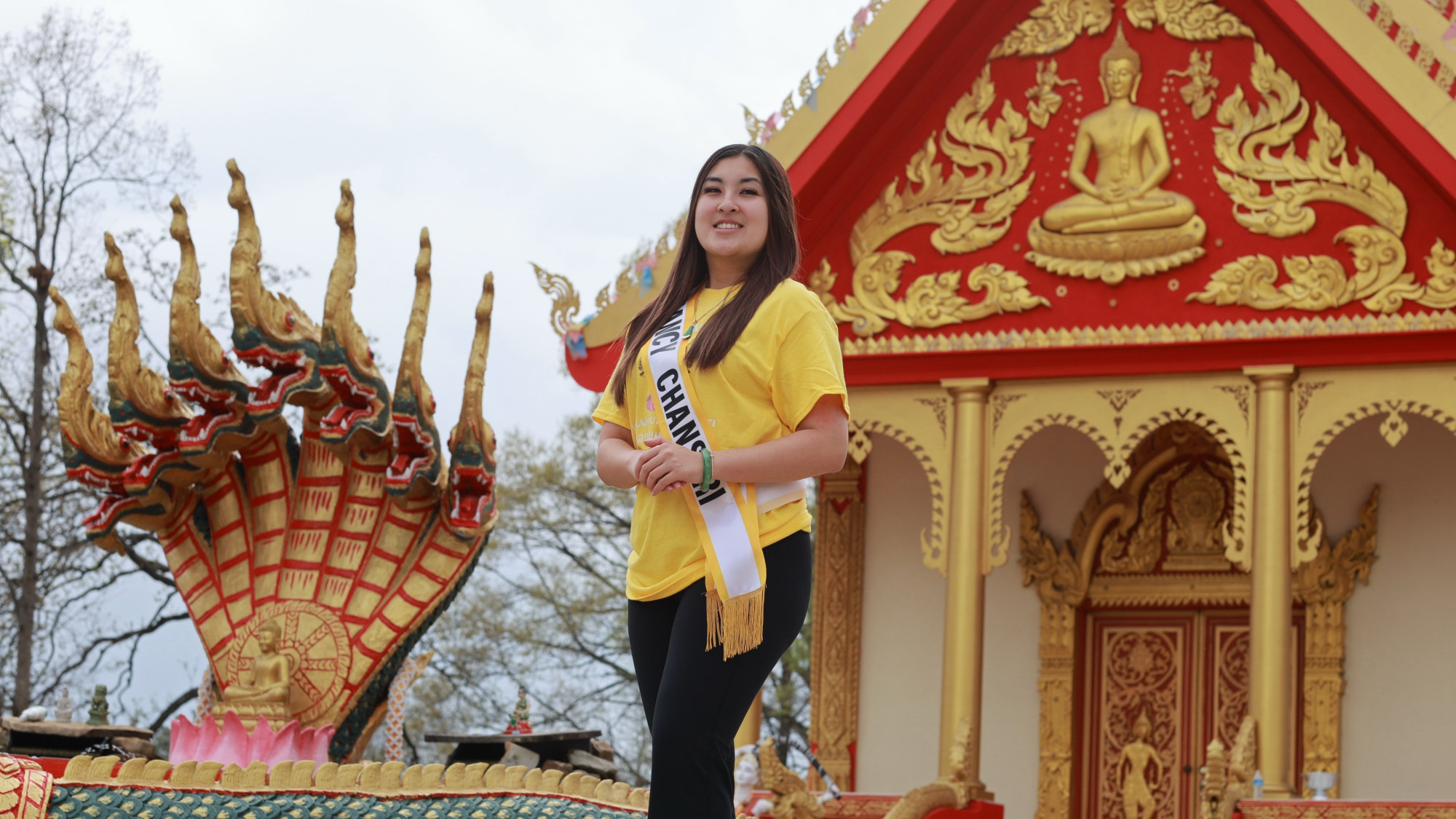
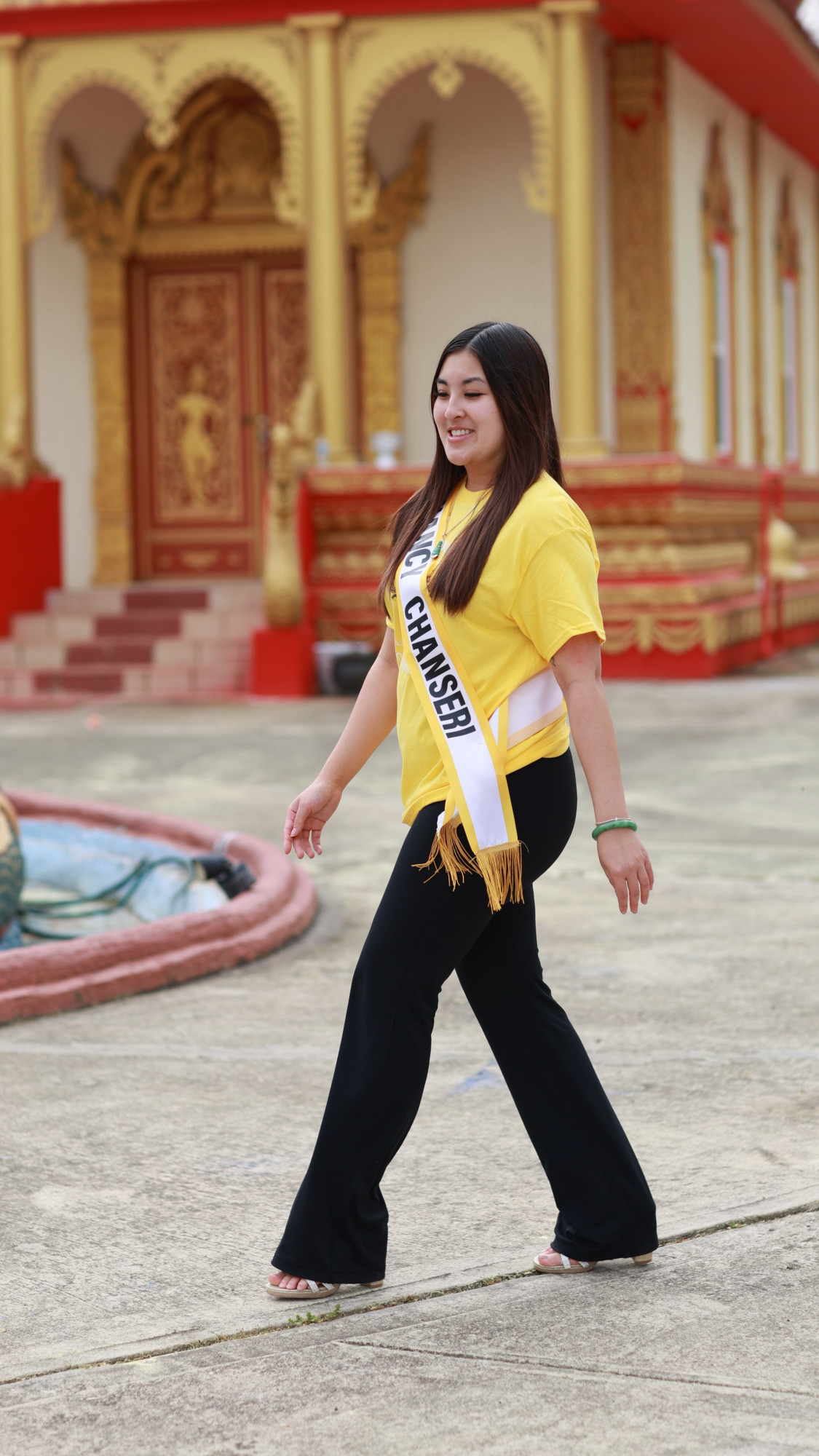

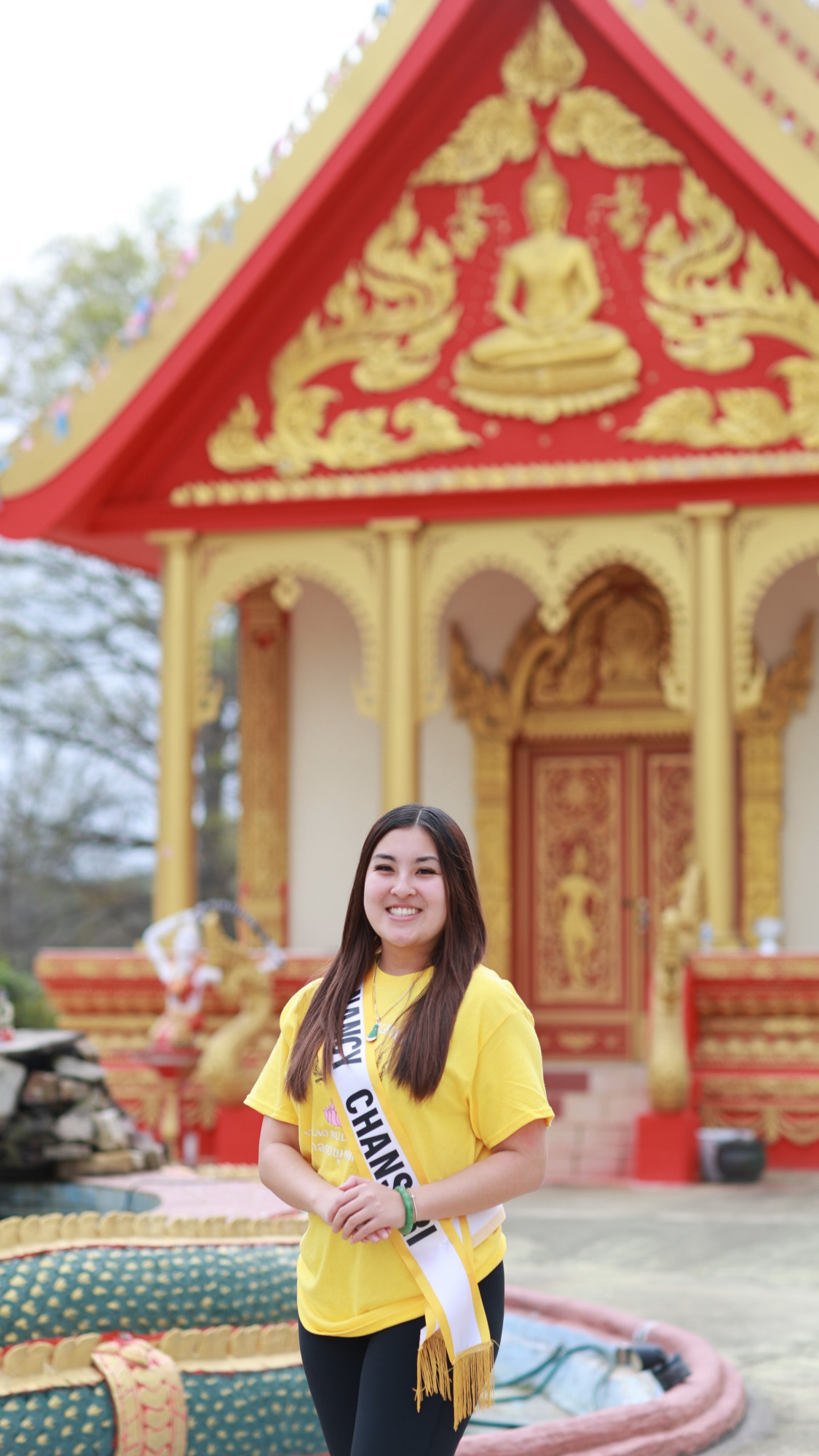



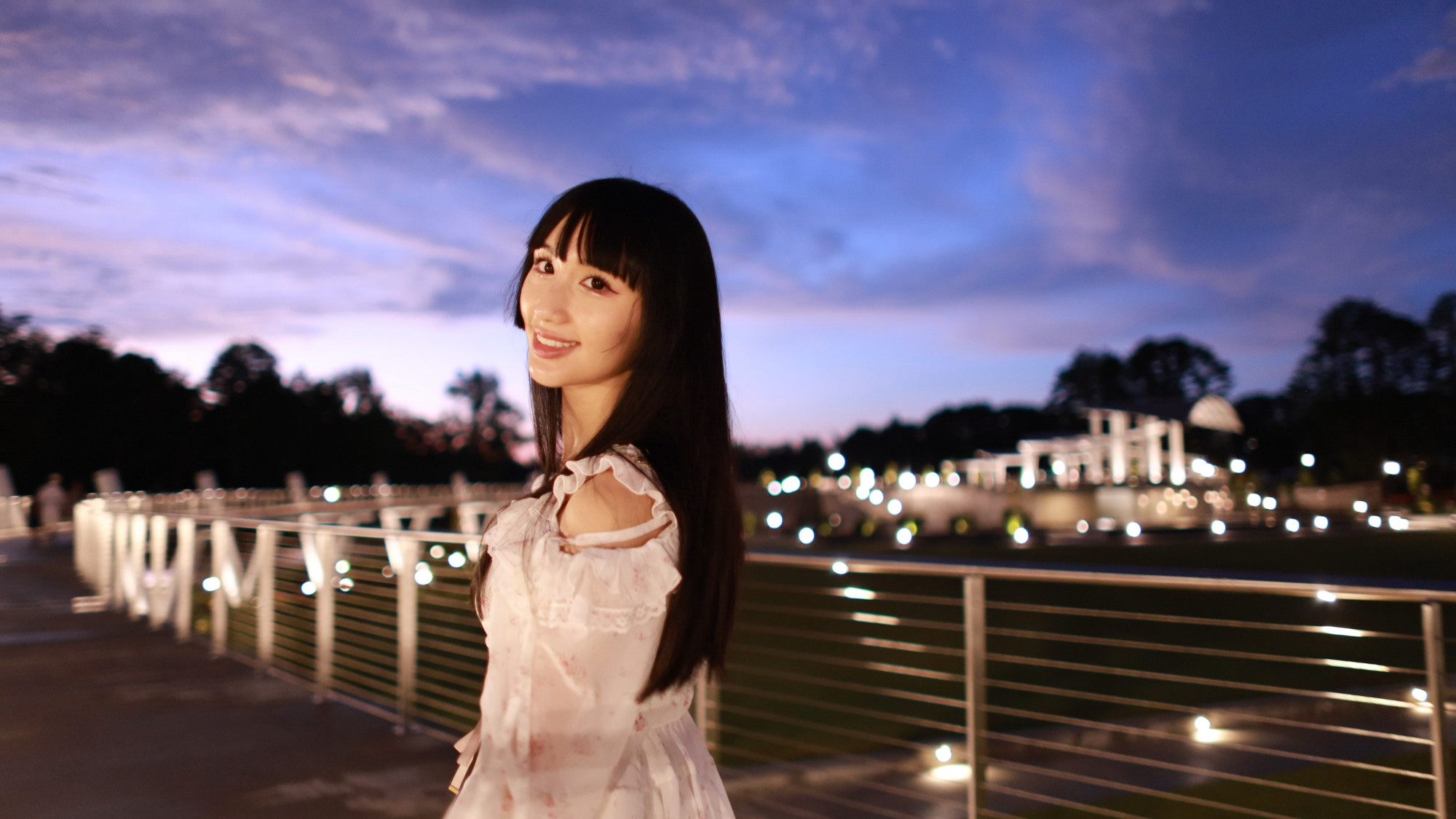
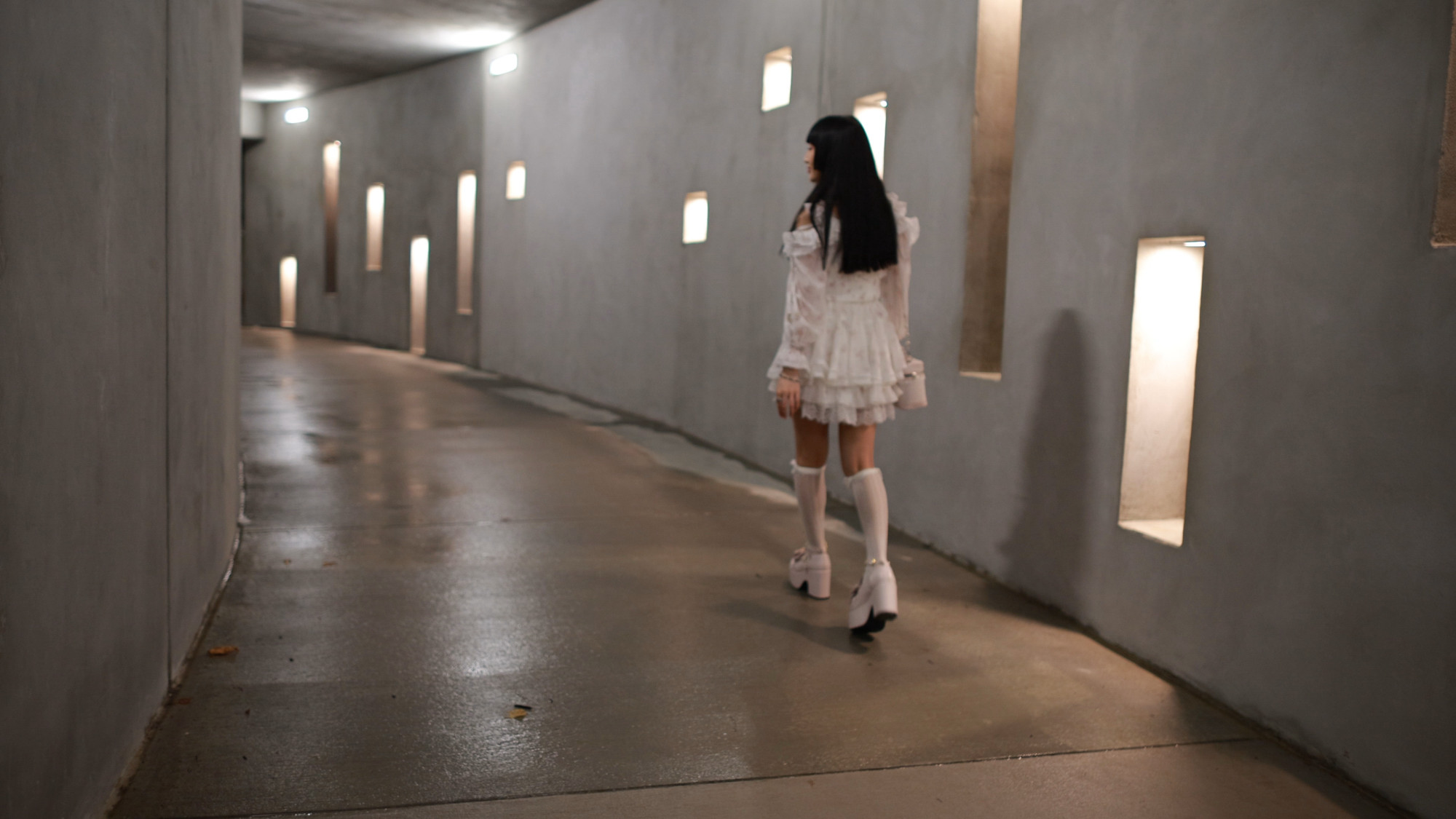
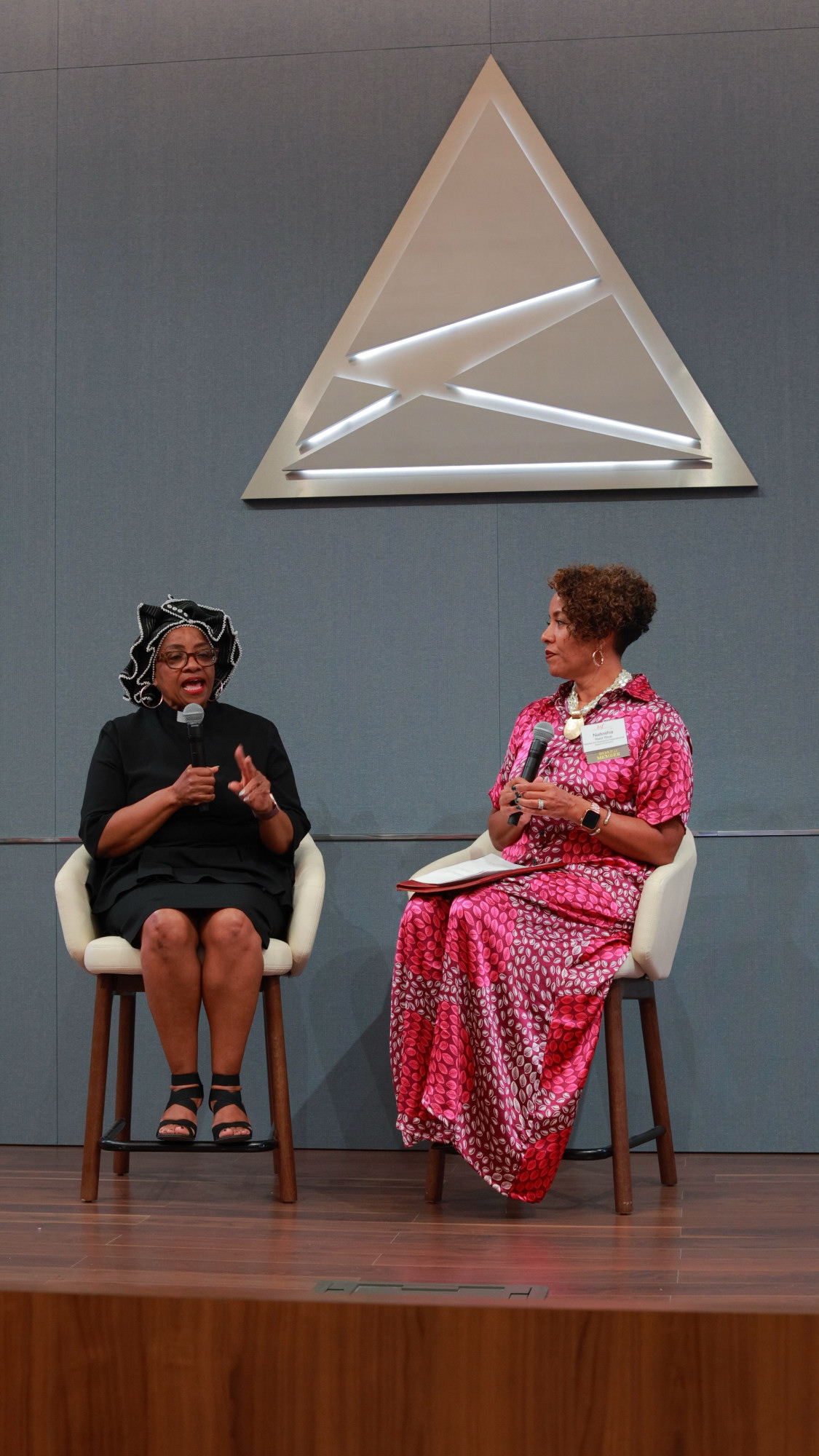
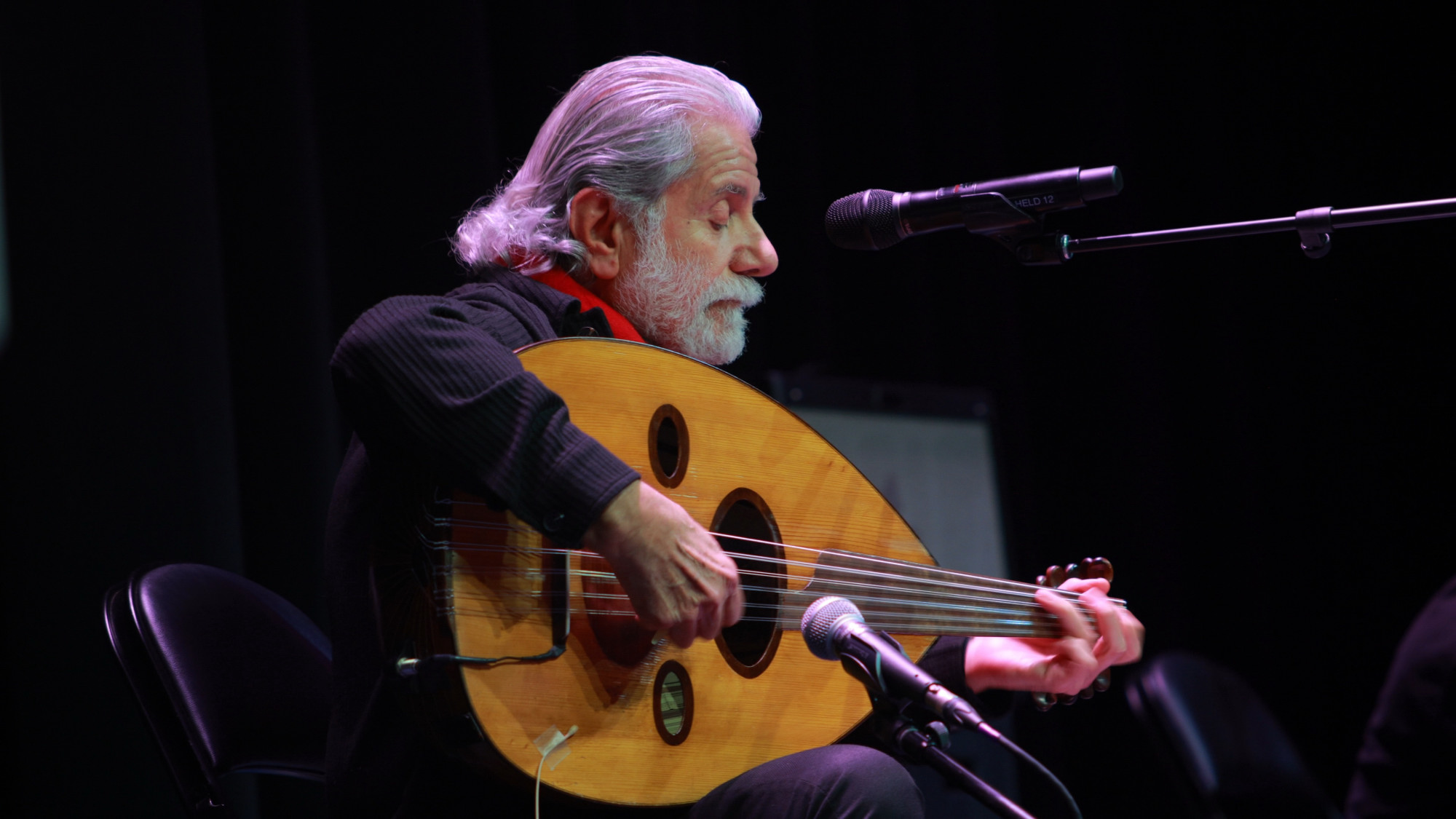

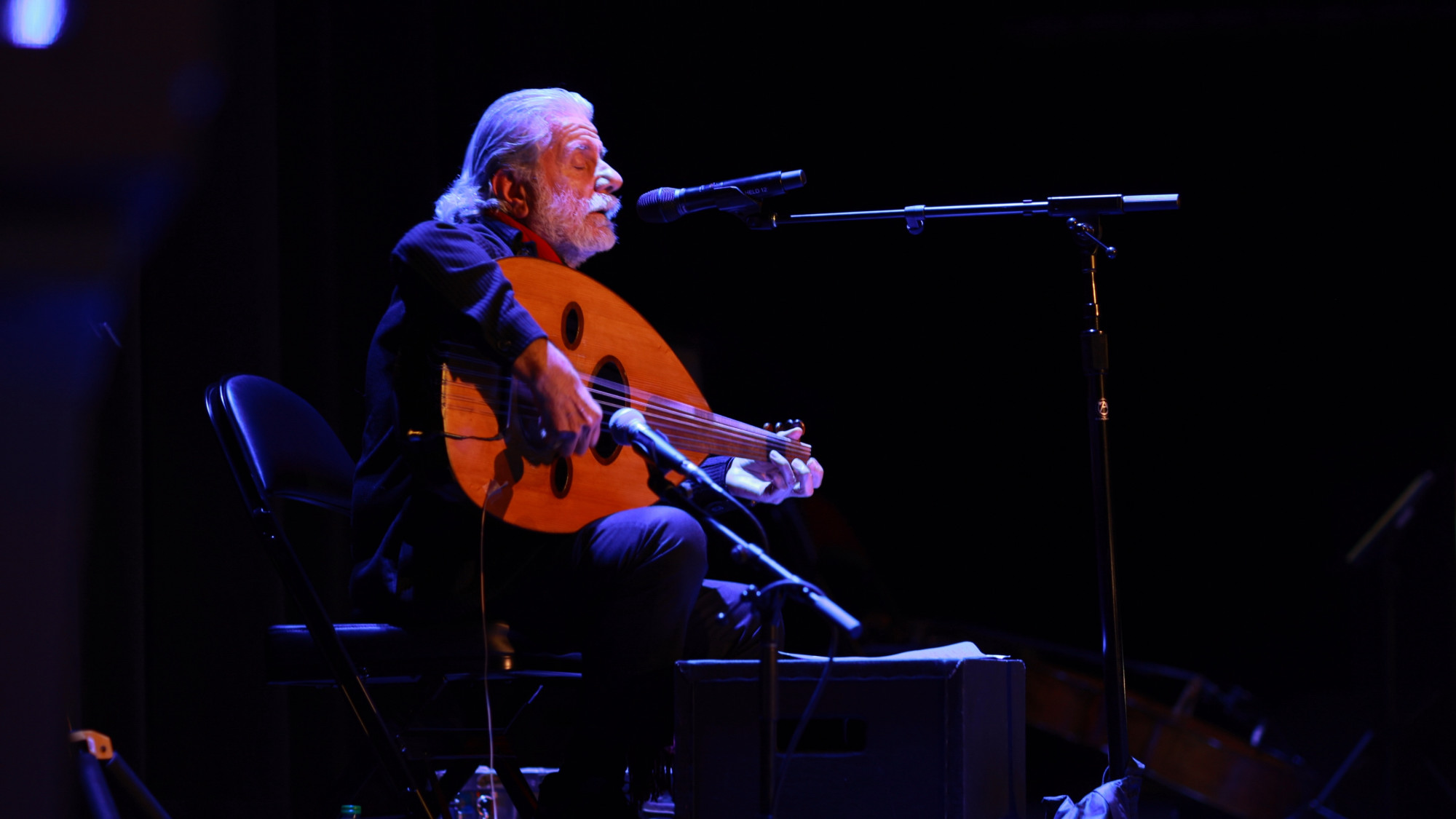
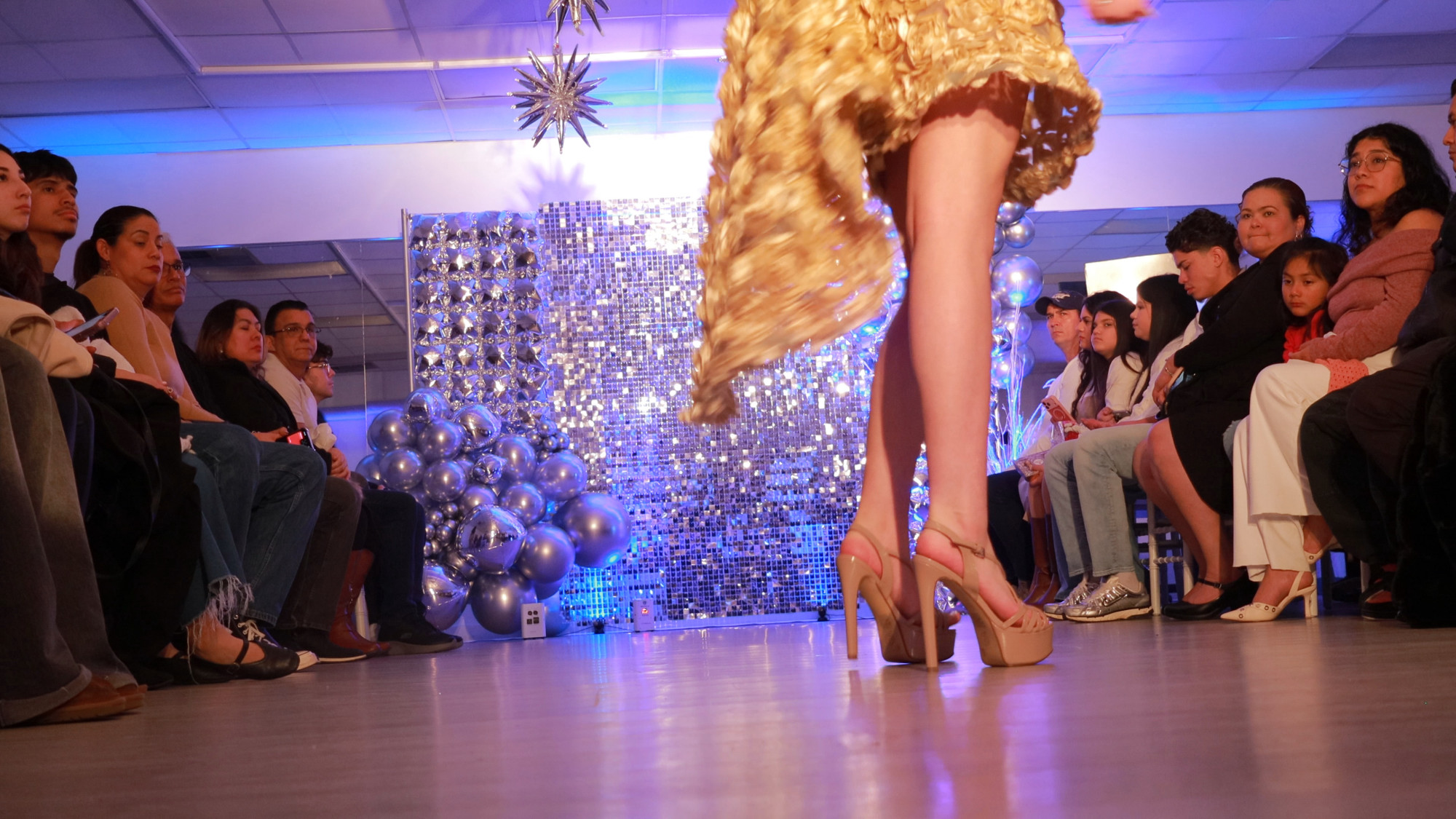
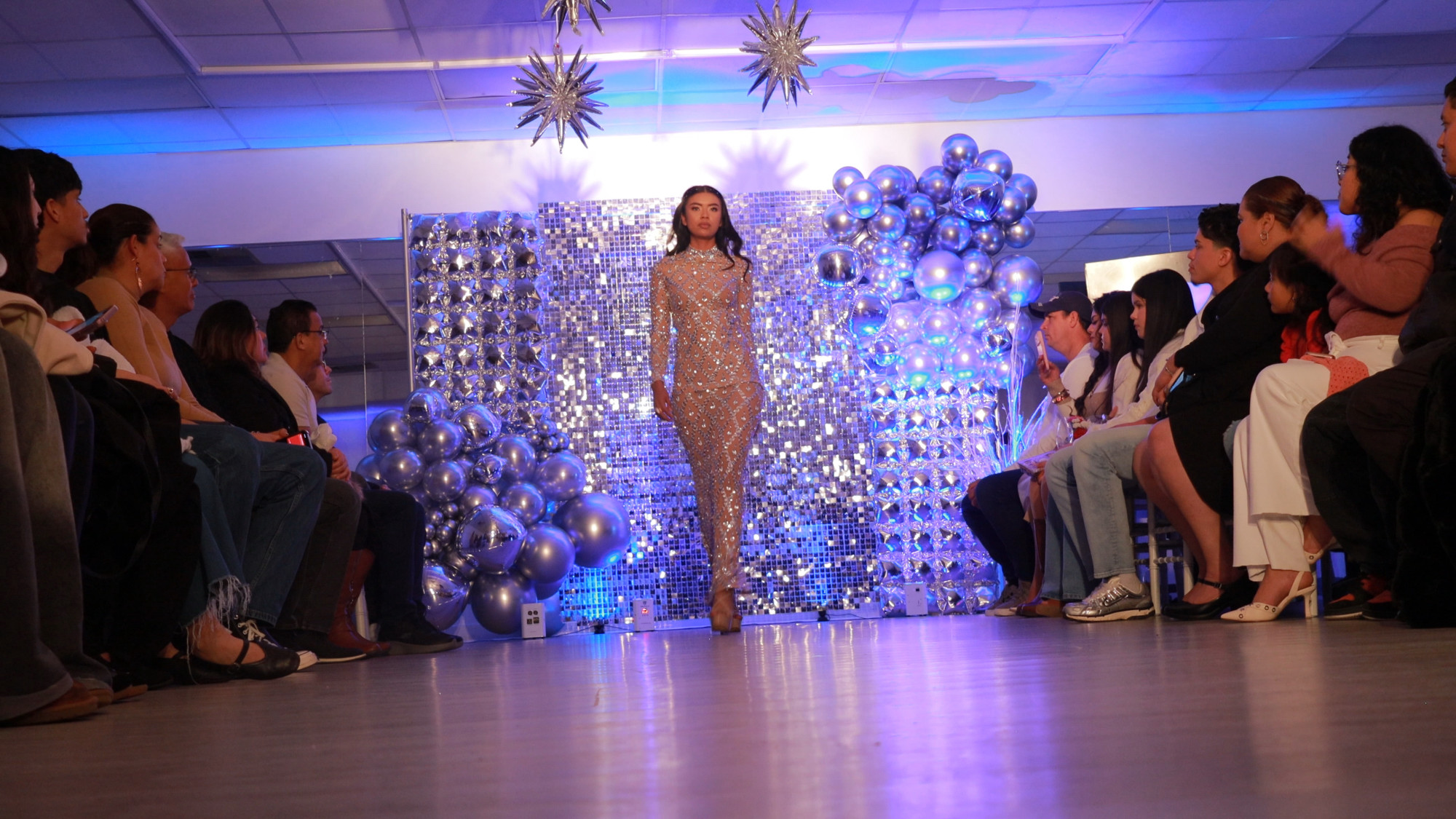

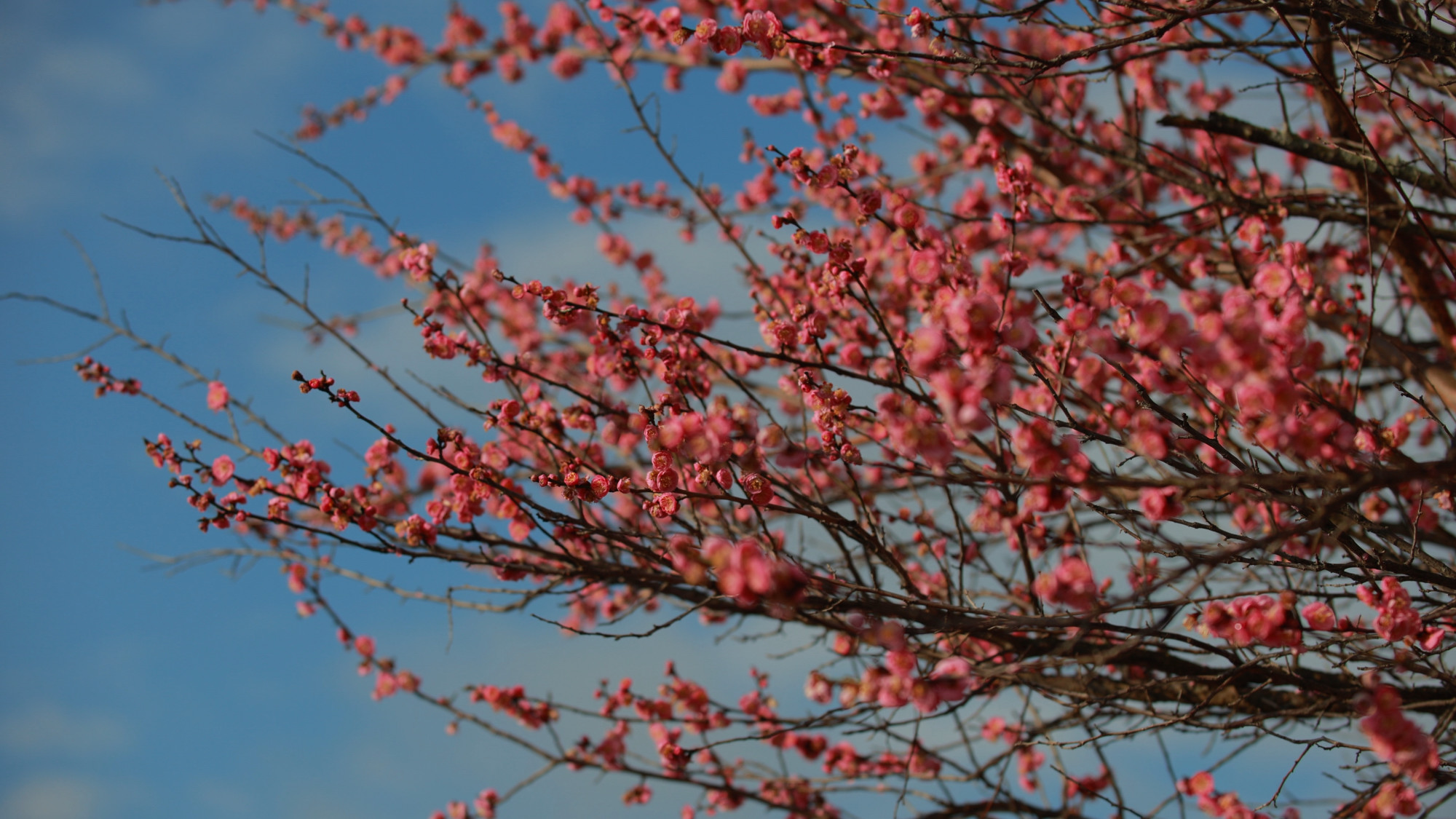
What about the Framegrabs from the Canon RP? From 4K it’s very nice as well, but there’s a big crop penalty in that video mode that will really change up how your lenses and framing work. Full HD 1920×1080 is decent on the RP, but the low bit rate and resolution of the video stream won’t produce as nice images as the still framegrabs from the R8.
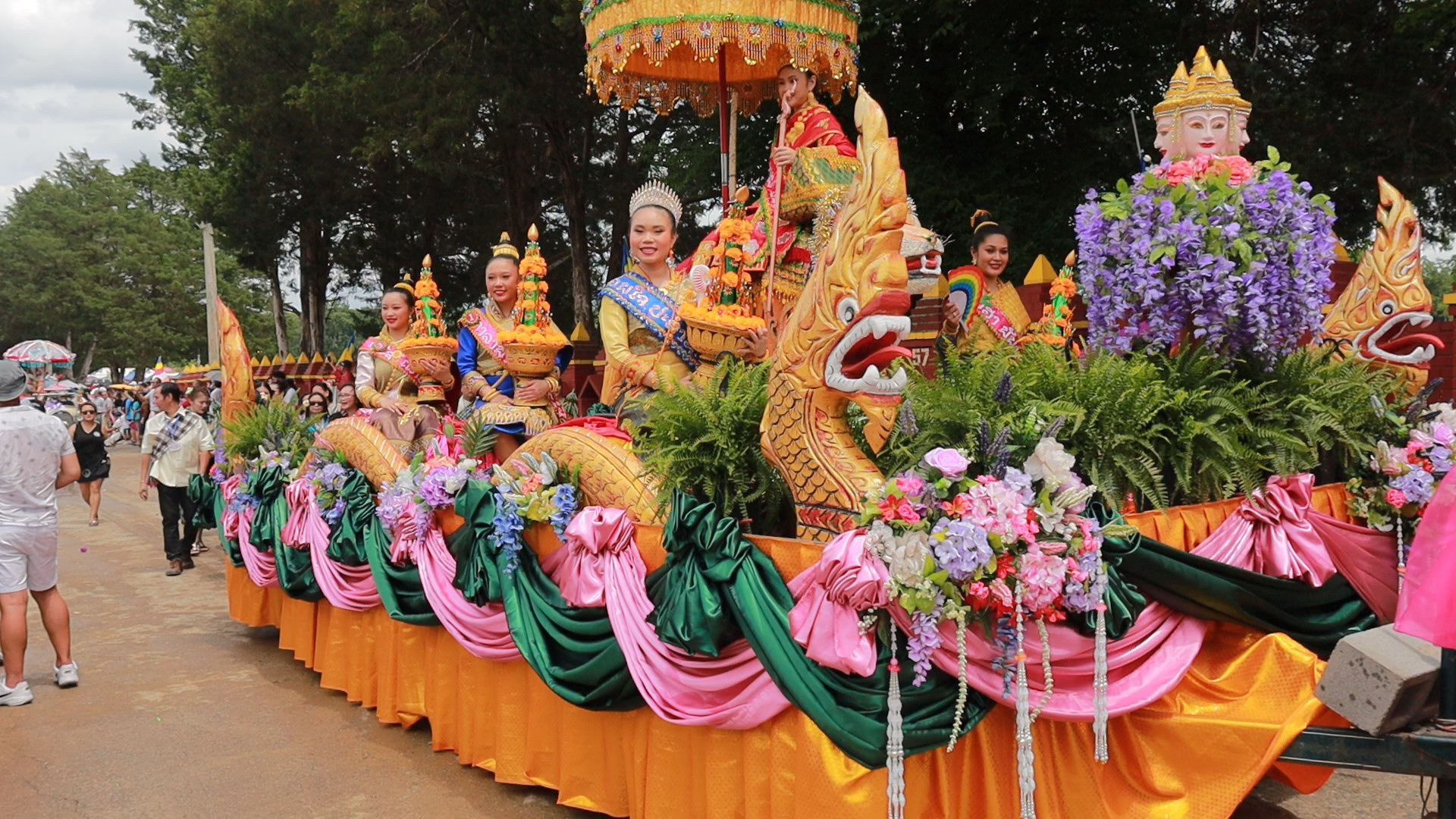
Canon RP 1080 HD Framegrab
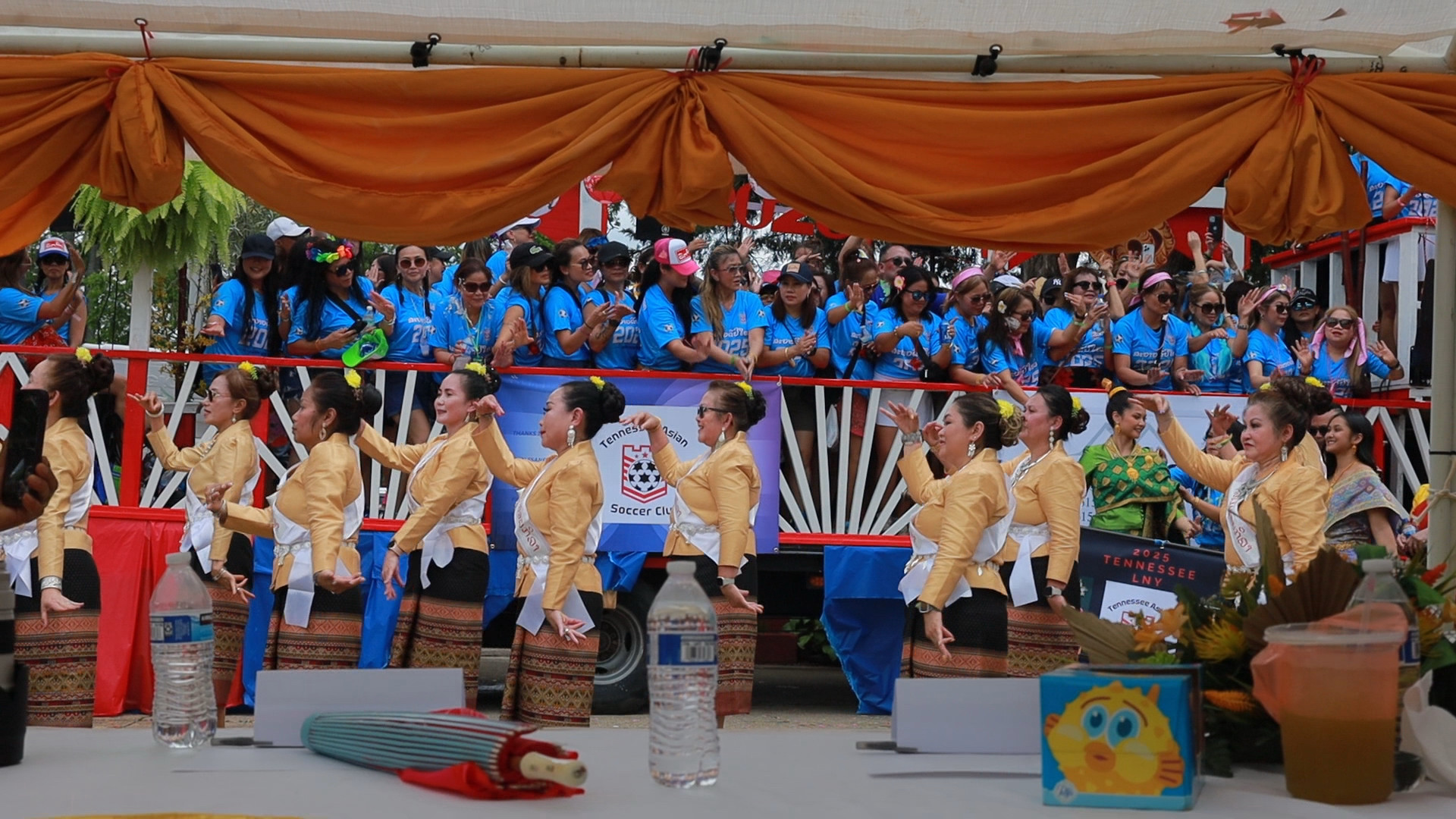
Canon RP 1080 HD Framegrab

Canon RP 1080 HD Framegrab
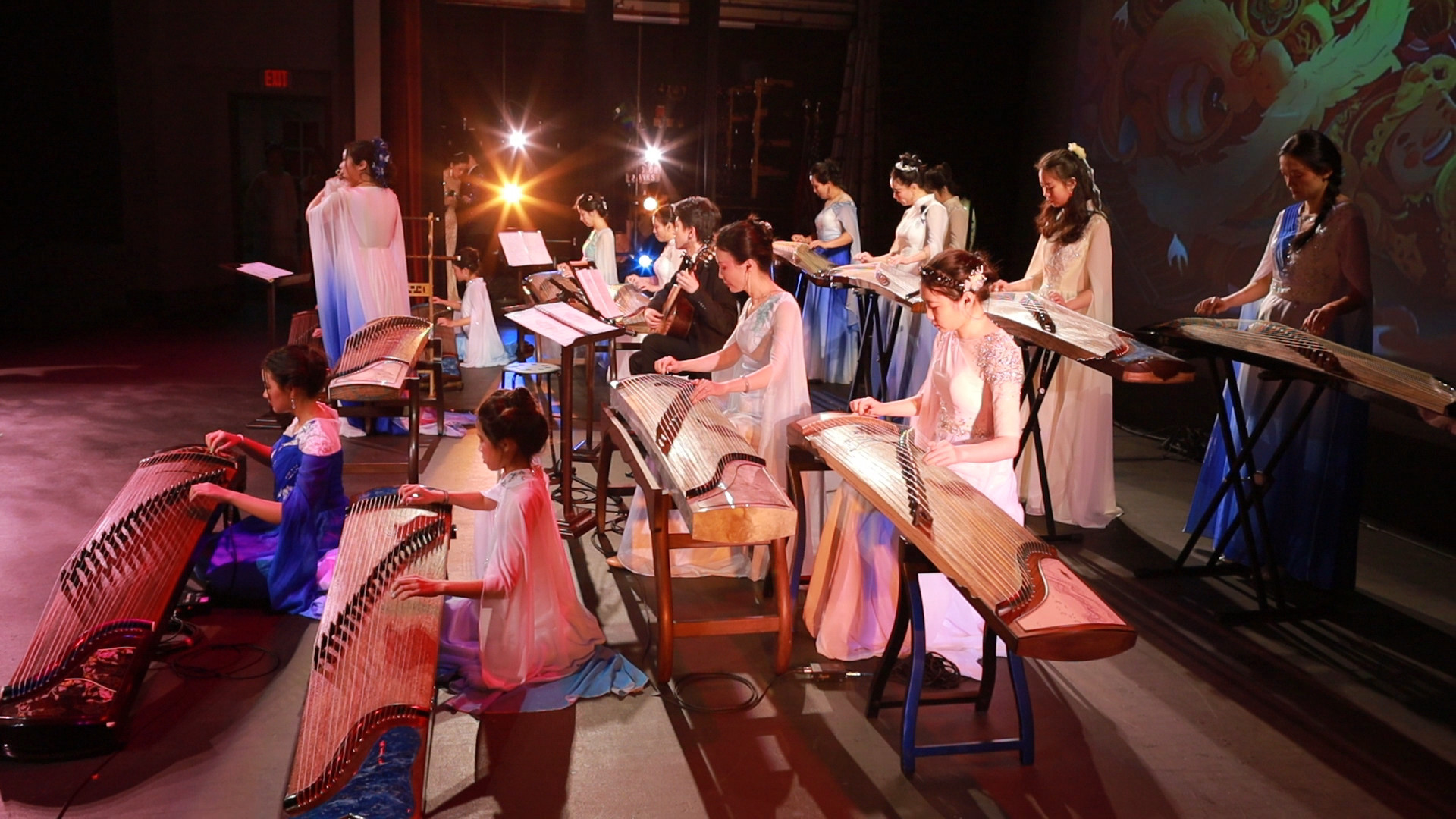
Canon RP 1080 HD Framegrab
I remember the headline feature for the Canon Optura Pi Mini DV camera I used back in the early 2000s was PROGRESSIVE SCAN. This allowed a user to pause the video recorded in P.SCAN and have it not be interlaced and jittery on the TV screen. You could also save still photos at 640 x 480 pixel resolution to a floppy disc. So in that relative way I’m not going to complain about the RPs 1080 files. Crazy how far we’ve come with these 3840 x 2160 R8 still frames.
And yes I still have my Canon Optura Pi! 🙂

Hanging Out – Asian Festival Hopping!